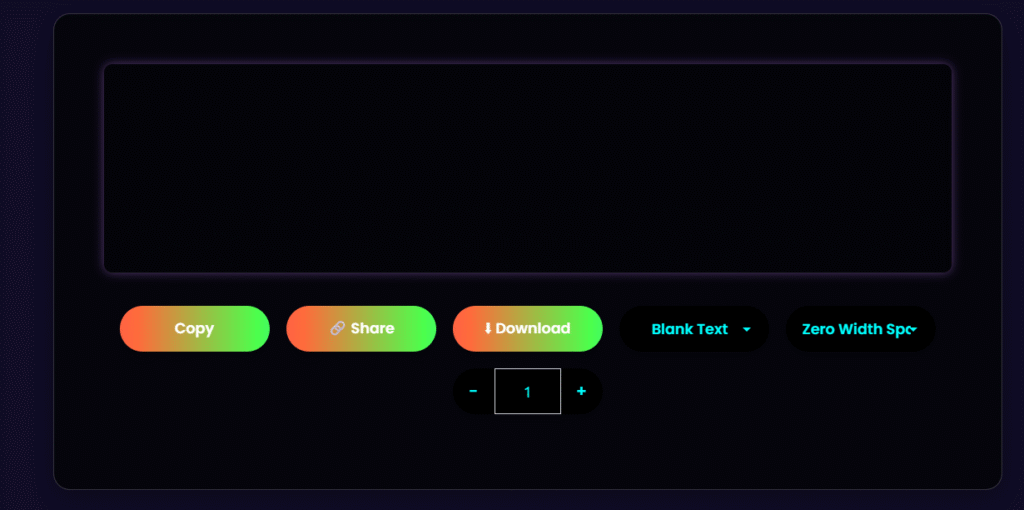
Create invisible text, blank names, and hidden messages for WhatsApp, PUBG, Free Fire, and more. This free tool uses Zero Width Unicode characters to make content that cannot be seen. You can use it for pranks, bios, and game profiles.
Invisible Character Copy
Copy to clipboard
Share text
Download as TXT
Select output type
Select character type
Select template
Set character count
Generate new name
Toggle theme
What Is an Invisible Character?
Invisible character is a Unicode character that does not display any visible symbols on the screens. Although it appears blank, it is still recognized as a valid character by many applications and websites.
How to Use Invisible Text Generator
Step 1
Select the desired output type.
Step 2
Choose an invisible character type if needed
Step 3
Set the number of characters.
Step 4
Generate the invisible text.
Step 5
Copy or download the result.
Features of Invisible Text Generator Tool
One-Click Copy
Generate invisible text and copy it instantly with a single click.
Multiple Character Types
Choose from different Unicode invisible characters.
Adjustable Character Length
Control how many invisible characters you want to generate.
Game Name Generator
Create random game-ready usernames for gaming profiles.
Invisible Message Templates
Generate ready-made invisible text templates for different use cases.
Download Option
Download generated invisible text as a TXT file for future use.
Common Uses of Invisible Characters
Social Media Profiles
Use invisible text in profile names, bios, and descriptions where supported.
Gaming Usernames
Create unique-looking usernames for supported games and gaming platforms.
Messaging Apps
Send blank messages or add hidden spacing in supported chat applications.
Creative Text Formatting
Improve visual layouts and create custom spacing effects.
Why Use Our Invisible Character Generator?
Free to use
No registration required
Fast and lightweight
Works directly in your browser
Supports multiple invisible Unicode characters
Safe and easy to use
Frequently Asked Questions
What is invisible text?
Invisible text refers to characters or strings that are not visible when displayed on a screen, often used for creative or technical purposes.
How do I generate invisible text?
You can generate invisible text using our tool by selecting the type of invisible character, adjusting the length if needed, and clicking copy.
What are zero-width characters?
Zero-width characters are special characters that take up no space on the screen, such as zero-width space (U+200B), zero-width non-joiner (U+200C), and zero-width joiner (U+200D).
Can I use invisible text for gaming purposes?
Yes, invisible text can be used to create game-ready invisible names for games like PUBG and Free Fire.
Is the invisible text generator tool safe to use?
Yes, our tool is completely safe to use as it doesn’t require login, doesn’t store user data, and works directly in the browser.
Can I adjust the length of the invisible text?
Yes, our tool allows you to adjust the length of the invisible text to suit your needs.