
Free QR Code Generator
Online QR Code Generator – create custom QR codes for URLs, WiFi, SMS & more. Add a logo, choose colors, download PNG/PDF. Fast, mobile-friendly & no watermarks.
Advanced QR Code Generator
QR Code Color (Dark):
Background Color (Light):
Upload Logo (optional)
🕘 QR History
What is a QR Code?
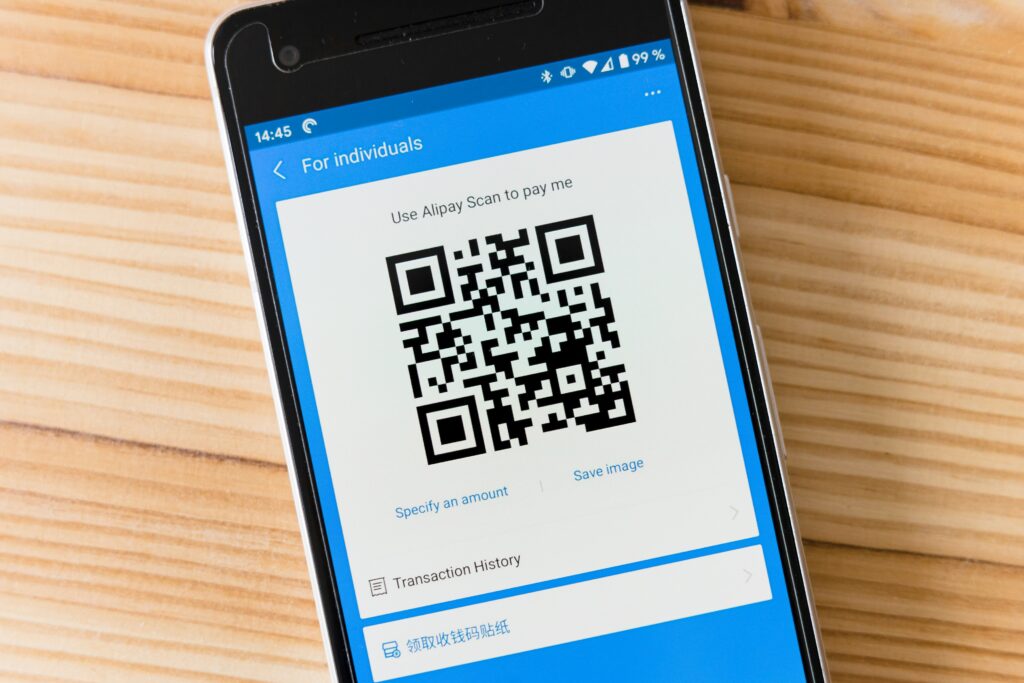
QR code (Quick Response code) is a type of barcode which encodes information in a machine-readable format. It can be scanned with a smartphone camera and is popular for:
- Website links
- Business marketing
- Digital payments
- Contact sharing
- WiFi access sharing
How to Use This Tool
Using this QR Code Generator is very simple:
1. Select the QR type
Select the QR type from the dropdown menu
2. Enter (text, URL, email, etc.)
Enter your required information (text, URL, email, etc.)
3. Choose colors and size
Choose The QR colors and size
4. Upload a logo
(Optional) Upload a logo
5. Click on Generate
Click on Generate the QR Code
6. Download or share
Download or share your QR code instantly
Features of QR Code Generator
- Generate QR codes for Text
- Create QR codes for Email addresses
- Phone call QR codes (tel link support)
- SMS QR code generation
- WiFi QR code (SSID + Password)
- Custom color selection (dark & light)
- Generate QR codes for URLs
- Add logo inside QR code
- Download QR in PNG & PDF format
- Copy QR to clipboard
- QR history tracking
- Light & Dark theme support
Why Use Our QR Code Generator?
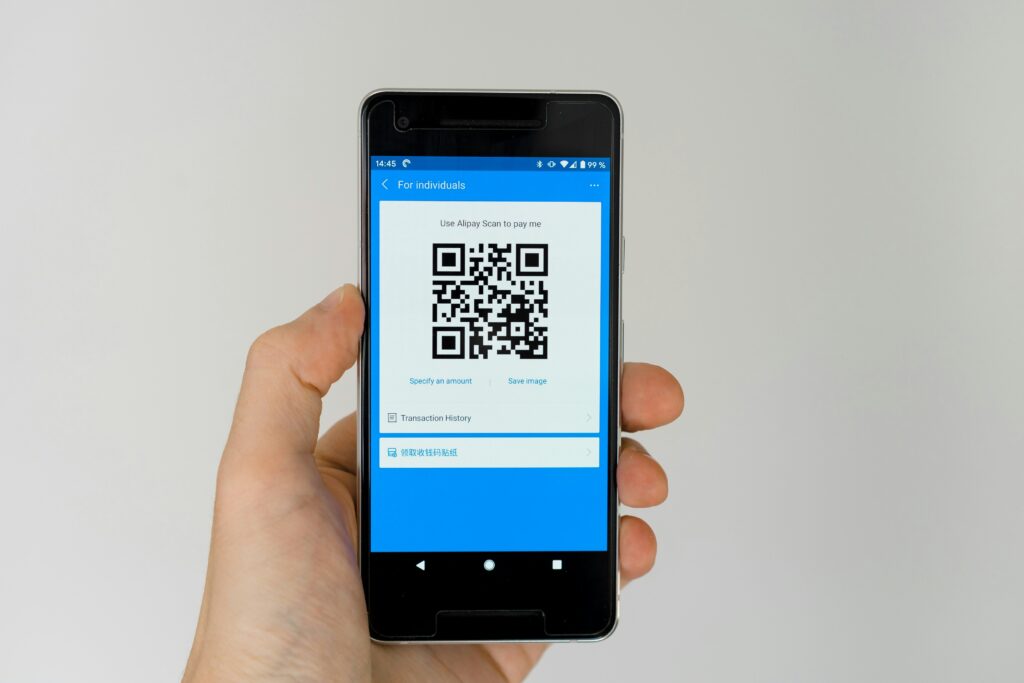
Unlike basic tools, our generator offers advanced customization options, including color control, logo embedding, and multiple types of QR codes, all in one platform. It is fully responsive, fast, and works on all devices, including mobile, tablet, and desktop.
Frequently Asked Questions
Yes, it is completely free to use.
Using QR codes can enhance customer experience, improve branding, and increase marketing integration, leading to increased customer engagement and a better offline-to-online connection.
Yes, our QR code generator Allows you to upload your logo and choose custom dark and light colors to match your brand.
You can download your QR code as PNG or PDF, and also copy it to your clipboard for easy sharing.
Yes, our QR code generator provides a history tracking feature, allowing you to keep a record of your generated QR codes.