QR Code Reader
Online QR Code Reader – Quickly decode any QR code online by simply uploading an image. Fast, secure, and 100% browser-based tool with no downloads required. Works perfectly on both desktop and mobile devices.
Thank you for reading this post, don't forget to subscribe!QR Code Reader Tool
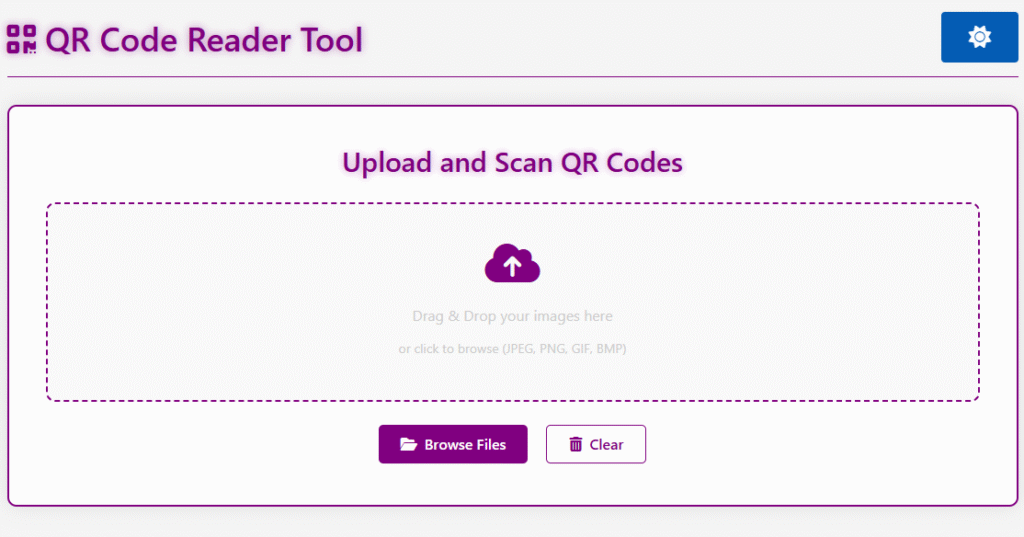
Upload and Scan QR Codes
Drag & Drop your images here
or click to browse (JPEG, PNG, GIF, BMP)
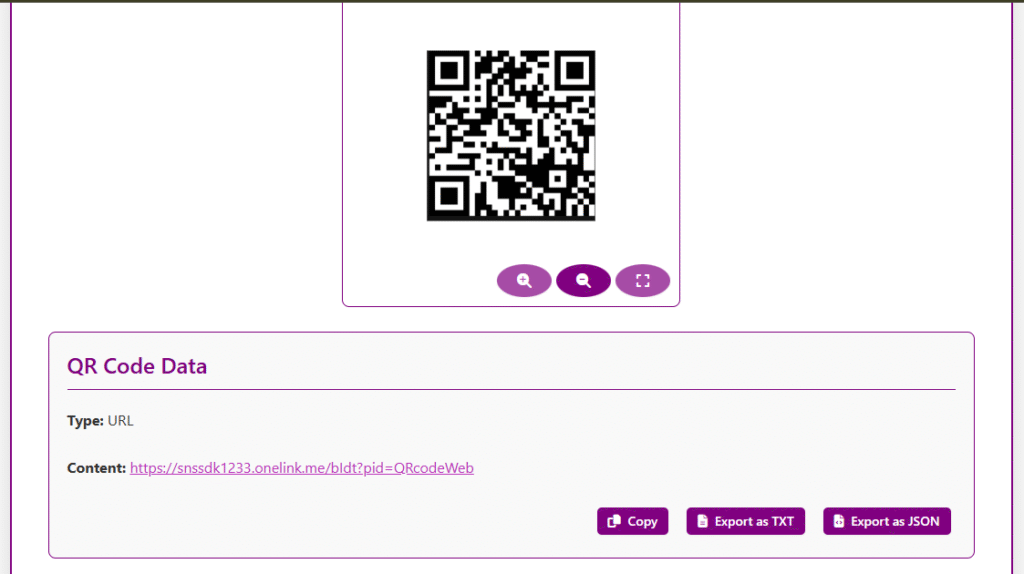
Image Preview
QR Code Data
What is the QR Code Reader Tool?
The QR Code Reader Tool is an useful thing you can use online. It makes it easy for you to scan QR codes from pictures in your browser. You can upload a picture of a QR code. The tool will get the information out of it really fast. The QR Code Reader Tool can get lots of kind of information from the QR code like links, to websites , text , contact details, Wi-Fi credentials and lots of other things.
Key Features of QR Code Reader
Multiple Image Formats Supported
Scan QR Codes from Images
Fast Processing
Mobile-Friendly
Read Different QR Code Types
Easy Copying
Privacy-Focused
How to Use
- Upload or drag and drop a QR code image.
- Wait for the tool to scan the QR code.
- View the decoded information instantly.
- Copy or use the extracted content as needed.
Common Uses
- Reading website URLs from QR codes
- Accessing Wi-Fi connection details
- Viewing contact information
- Decoding text-based QR codes
- Checking promotional and marketing QR codes
- Verifying QR code content before opening links
Why Use Our QR Code Reader Tool?
QR Code Reader Tool is an easy way to scan QR codes. You do not have to download an app or put software on your computer. This tool makes, it simple for you to scan QR codes. It is also very fast. You can use it from any device. If you want to check a website link or read some contact details or get information, from a QR code our QR Code Reader Tool is very helpful. Our QR Code Reader Tool is great because it does all of this for you.
Frequently Asked Questions
An online QR code reader is a web-based tool that decodes QR codes by uploading an image of the QR code. It works directly in your browser , eliminating the need for app installations and ensuring compatibility across different operating systems.
To scan a QR code from an image , simply upload your QR code image by dragging and dropping the file or browsing through your files. Our tool supports various image formats, including JPEG , PNG , GIF , and BMP , and automatically decodes the QR code.
Our QR code reader supports multiple image formats , including JPEG , PNG , GIF , and BMP , allowing you to scan QR codes from various sources.
Yes , our QR code reader is completely free to use , with no limits on the number of scans you can perform.
Our tool processes QR codes securely within your browser , ensuring that your data is not transmitted to external servers , thus enhancing privacy and security.