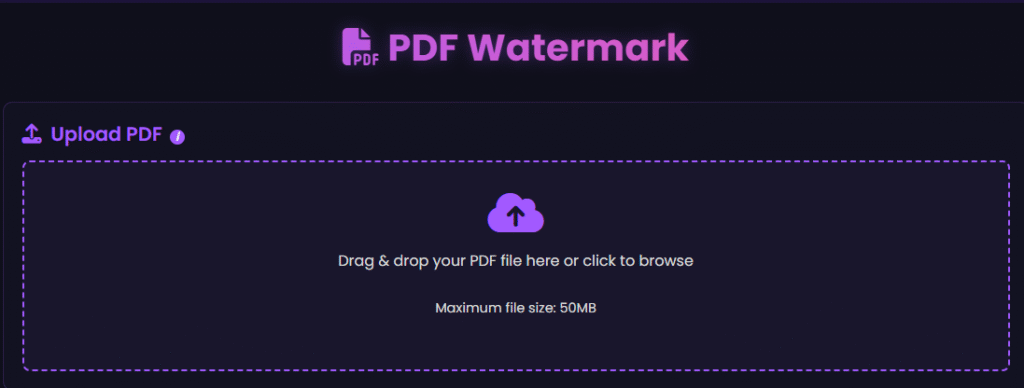
Online PDF Watermark Tool is a fast and secure online tool that lets you add and edit text or image watermarks in your PDF files. Customize font size, color, position, and opacity with 100% client-side processing to keep your files private.
PDF Watermark Tool
PDF Watermark
Upload PDF
iUpload a PDF file (max 50MB) to add a watermark
Drag & drop your PDF file here or click to browse
Maximum file size: 50MB
Selected file:
File size:
Watermark Options
Text
Image
30
Click to upload watermark image (PNG/JPG)
50%
45°
Preview
Preview will appear here
Original:
Estimated:
Processing your PDF...
Why Use Our PDF Watermark Tool?
Our PDF Watermark Tool offers a simple, secure, and efficient way to add professional watermarks to PDF documents. With customizable text and image watermark options, flexible positioning controls, and browser-based processing, users can protect, brand, and personalize their PDF files without installing software or creating an account.
How to Use PDF Watermark
step 1
Upload your PDF document.
step 2
Choose a text or image watermark.
step 3
Customize size, color, position, and opacity.
step 4
Preview the watermark settings.
step 5
Apply the watermark
step 6
Download the updated PDF file.
Features of PDF Watermark Tool
Add Text Watermarks
Add Image Watermarks
Customize Watermark Appearance
Protect Document Ownership
Fast PDF Processing
Secure & Privacy-Focused
No Installation Required
Common Uses
Businesses protecting company documents
Freelancers branding client reports
Students marking academic work
Designers adding copyright information
Legal professionals labeling confidential files
Organizations securing internal documents
Anyone wanting to personalize PDF files
Frequently Asked Questions
Is this PDF watermark tool free to use?
Yes, it is completely free to use.
What is the maximum file size I can upload?
Our system supports files up to 50 MB. This is perfect for large documents such as business files, legal contracts, and high-resolution ebooks.
Can I add a company logo as a watermark?
Absolutely. You can add a logo watermark to PDF for free by simply uploading your brand image. This is ideal for maintaining consistency across invoices, reports, and marketing materials.
Can I add custom text watermarks like "Confidential" or "Draft"?
Yes, you can add a text watermark to PDF online using any custom wording you need. Popular choices include Confidential, Draft, Copyright, or your company name to help protect PDFs with watermark security.
Is my PDF stored online after I process it?
Not at all. We utilize secure & private processing protocols. There is no permanent storage of your files, and since no login is required, your data remains entirely private and is deleted shortly after processing.
Do I need to install any software to use this tool?
No, installation is necessary. You can add a watermark to PDF without software directly through your internet browser. It is a 100% browser-based PDF watermark solution.