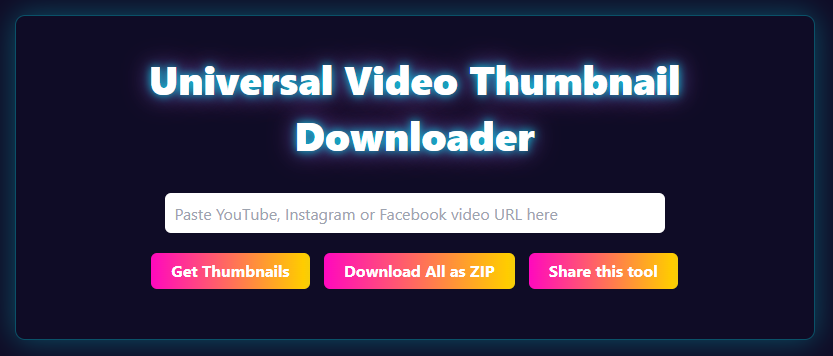
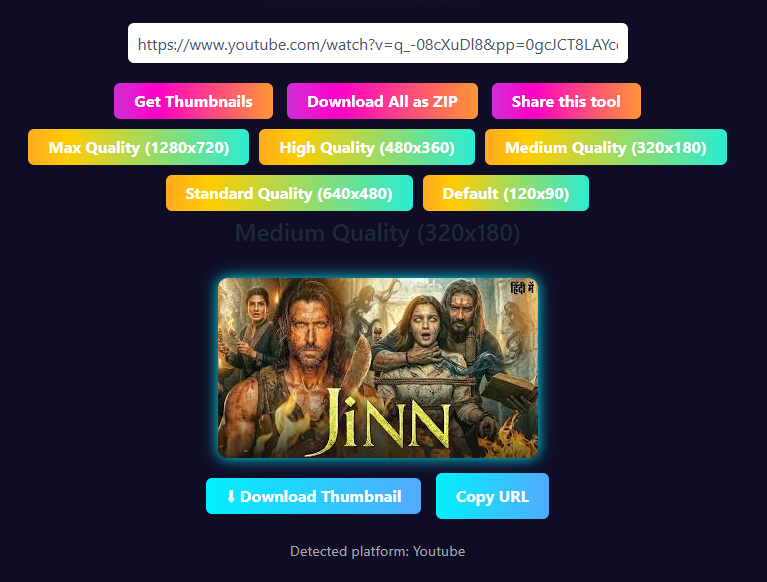
Introducing the Online Social Media Thumbnail Downloader! Quickly capture thumbnails from YouTube, Facebook, Instagram, and other platforms. Enjoy the flexibility of downloading in various sizes, with support for ZIP format and options for both dark and light themes.
Universal Video Thumbnail Downloader
Universal Video Thumbnail Downloader
What is a Video Thumbnail?
A Video thumbnail is a preview image shown before a viewer clicks on a video. Thumbnails attracting viewers and increasing engagement as they are the first impression of the content.
How to Use Thumbnail Downloader Tool
Step 1
Copy the video URL from YouTube, Instagram, or Facebook.
Step 2
Paste the URL into the input field.
Step 3
Click the Get Thumbnails button.
Step 4
Select your preferred thumbnail size.
Step 5
Preview the thumbnail.
Step 6
Download the image or copy its URL.
Features of Thumbnail Downloader
Multi-Platform Support
Multiple Thumbnail Sizes
One-Click Download
Copy Thumbnail URL
ZIP Download Support
Automatic Platform Detection
Supported Platforms
YouTube Thumbnail Downloader
Extract available thumbnail sizes including:
Max Resolution
High Quality
Medium Quality
Standard Quality
Default Thumbnail
Instagram Thumbnail Downloader
Access thumbnail previews from Instagram posts and reels.
Facebook Thumbnail Downloader
Retrieve available thumbnail images from supported Facebook video URLs.
Why Use Our Thumbnail Downloader?
Unlike many online tools, our downloader offers:
Fast processing
Multiple platform support
No software installation
User-friendly interface
Multiple download options
High-quality image retrieval
Free access
Frequently Asked Questions
What is the maximum resolution available for downloading YouTube thumbnails?
The maximum resolution available is 1280×720, also known as Max Quality or HD.
Is it necessary to log in or register to use the Thumbnail Downloader tool?
No, the Thumbnail Downloader tool is designed to be used instantly without requiring any login, registration, or watermark.
Can I download multiple thumbnail sizes at once?
Yes, you can download all available thumbnail sizes in a single ZIP file, making it a convenient time-saving feature.
Is the Thumbnail Downloader tool limited to YouTube videos only?
Currently, the tool is designed to work with YouTube videos, but there are plans to expand its compatibility to other platforms like TikTok, Facebook, and Vimeo in the future.
Can I use the downloaded thumbnails for commercial purposes?
Downloading thumbnails for personal or educational use is generally allowed, but using copyrighted thumbnails commercially without permission may violate copyright laws. It’s essential to respect copyright policies.
How do I get the URL of the thumbnail image?
You can easily copy the direct image link of the thumbnail, which can be used for website embedding, blog posts, or social media sharing.