
Image to PDF Converter
Online Image to PDF Converter – Quickly turn multiple images into professional, high-quality PDFs right in your browser. Enjoy drag-and-drop uploads, reordering, cropping, resizing, watermarking, compression, and custom page sizes/orientations. 100% private, fast, and fully mobile-friendly for a smooth experience anywhere.
Why Choose Our Image to PDF Converter?
But unlike other online converters, it’s fast, private, and produces professional-quality output. It lets you take full control over layout, compression and quality, without any software to install. You can use it anytime, anywhere for absolutely no cost.
How to Use Image to PDF Converter Tool
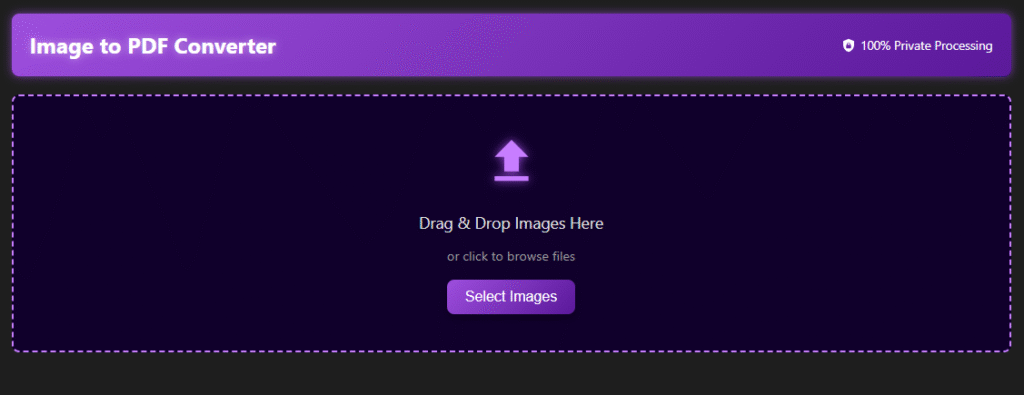
1. Upload Images
Drag & drop your images or click to upload
2. Arrange images (if needed)
Arrange images in correct order (if needed)
3. Select PDF settings
Select PDF settings (page size, orientation, quality)
4. Choose preset profile
Choose preset profile if required (High Quality, Web, Print)
5. Click Generate
Click Generate the PDF
6. Download PDF
Download your PDF file instantly
Key Features of Image to PDF Converter Tool
- Drag & Drop Image Upload
- Convert multiple images into a single PDF
- Page Size selection (A4, Letter, etc .)
- Portrait & Landscape orientation support
- Image scaling options (Fit , Fill, Stretch)
- Image alignment control (Center, Left, Right)
- Adjustable image quality settings
- Color mode selection (Color/ Grayscale)
- DPI / Resolution control (up to 300 DPI)
- Background color customization
- Preserve EXIF metadata option
- Flatten transparency support
- Add watermark feature
- High Quality / Email Size / Web Optimized / Print Ready presets
- Save, load, and export settings
- Live preview before PDF generation

100% Private & Secure
This tool processes everything directly in your browser. Your images are not uploaded to any server, which means:
- Your data stays private
- No file storage on external servers
- Fast processing speed
- Safe for sensitive documents
Frequently Asked Questions
Yes, absolutely! Our tool offers 100% private processing because it works directly in your local browser. Unlike a typical convert image to PDF online service that requires you to upload files to a remote server, your images never leave your device. This ensures that no data is stored and there is no tracking, making it a perfectly private image-to-PDF converter for sensitive business documentation and legal professionals.
You certainly can. Our free image-to-PDF tool allows you to convert multiple images to PDF in a single session. Whether you are using it as a JPG-to-PDF converter or a PNG-to-PDF converter, you can bulk-upload your files and organize them before generating your final document.
Our converter includes powerful PDF configuration options to give you professional control. You can adjust the 📄 page size (choosing from A4 or other preset sizes), set the 📐 page orientation to portrait or landscape, and use 🖼️ scaling mode features like fit to page or maintain aspect ratio. You can also manage 🎯 image alignment with center or custom positioning to ensure your reports look clean.
Yes, you can add watermark text to your documents. This is an essential feature for branding, copyright protection, or marking confidential documents. It is particularly perfect for photographers and designers who need to share proofs with clients safely.
Yes, you can add watermark text to your documents. This is an essential feature for branding, copyright protection, or marking confidential documents. It is particularly perfect for photographers and designers who need to share proofs with clients safely.