
Color Picker
Color Picker Tool – Pick, adjust, and convert colors with HEX, RGB, HSL, and CMYK formats. Includes gradient generator, palette creator, and live preview for designers and developers.
Color Picker
Color History
Color Schemes
Preview
Contrast Checker
Color Blindness Simulator
Export/Import
Color Picker Tool – Free Online HEX, RGB, HSL & CMYK Color Generator with Contrast Checke
Finding the right shade for your digital project can feel like a daunting task. Our versatile digital palette generator simplifies this process by offering a seamless way to discover and convert values. Whether you are a seasoned developer or a fresh designer, having a reliable resource at your fingertips is essential.
This utility supports multiple formats including HEX, RGB, HSL, and CMYK, ensuring your vision stays consistent across all platforms. You can easily switch between profiles to match your specific branding needs. It also features an integrated contrast checker to help you meet modern web standards.
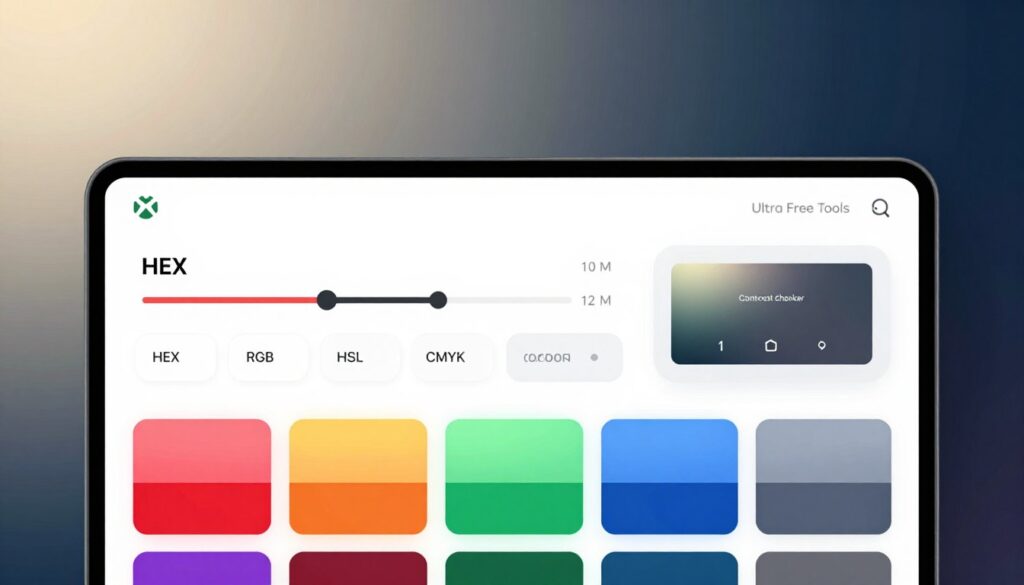
The interface makes styling your website both fun and efficient for every creator. Ensuring your content remains accessible is now easier than ever with our built-in ratio calculator. Best of all, this helpful resource is completely free for everyone to use without any hidden fees.
Key Takeaways
- Convert between HEX, RGB, HSL, and CMYK formats effortlessly.
- Verify accessibility with a built-in contrast ratio checker.
- Enjoy a user-friendly interface designed for rapid design workflows.
- Access the entire feature set for free via any web browser.
- Optimize visual consistency across various digital marketing materials.
- Identify the best shades for both light and dark backgrounds.
What Makes a Professional Color Picker Tool Essential
The importance of a professional Color Picker Tool cannot be overstated, as it brings precision and efficiency to the color selection process. This tool is not just a convenience; it’s a necessity for professionals who require accuracy and consistency in their work.
Speed and Accuracy in Color Selection
A professional Color Picker Tool offers quick and precise color selection, saving time and reducing the likelihood of errors. This is particularly important in design and development projects where color consistency is crucial.
Multiple Format Support for Any Project
The tool supports multiple color formats, including HEX, RGB, HSL, and CMYK, making it versatile for various projects. Whether you’re working on web development, graphic design, or digital marketing, this feature ensures that you can easily convert and use the colors you need.
- HEX for web development
- RGB for digital displays
- HSL for intuitive color adjustments
- CMYK for print projects
Built-In Accessibility Compliance
With a built-in accessibility color checker, professionals can ensure that their color choices comply with WCAG standards. This feature is vital for creating inclusive designs that are accessible to everyone, including those with visual impairments.
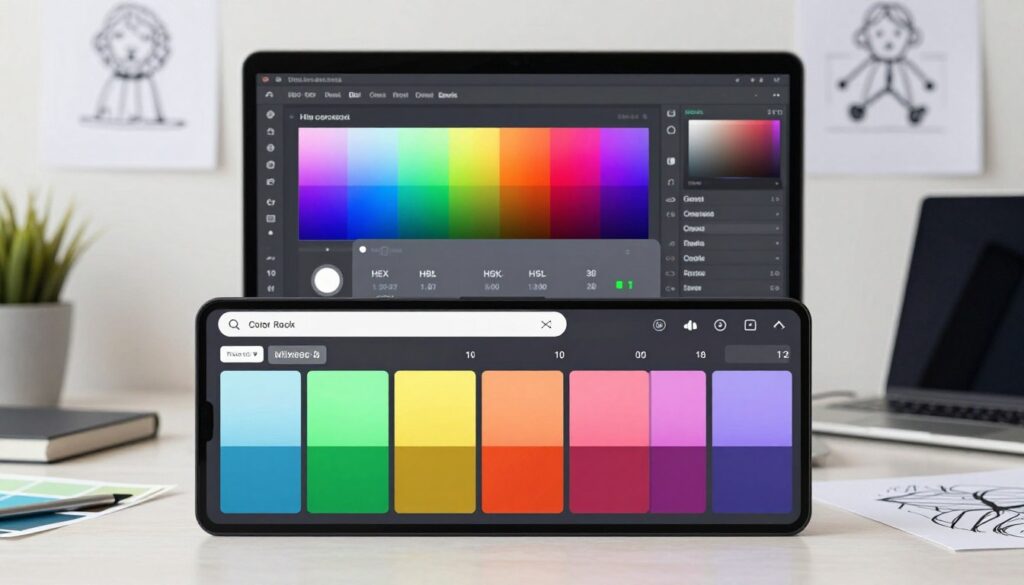
By incorporating these features, a professional Color Picker Tool becomes an indispensable resource for anyone involved in design and development, enhancing both productivity and the quality of the final product.
Understanding Color Formats: HEX, RGB, HSL & CMYK
Color formats play a significant role in various design and development tasks, making it essential to grasp their differences and applications. Different projects require different color representations, and being able to navigate these formats is key to successful project execution.
HEX Color Codes for Web Development
HEX color codes are widely used in web development due to their simplicity and direct correlation with digital displays. A HEX code is a six-digit combination of letters and numbers that represents the red, green, and blue (RGB) values of a color. For instance, #FFFFFF represents white, while #000000 represents black. Using a free HEX to RGB converter can simplify the process of translating HEX codes into RGB values for various applications.
As noted by a design expert, “HEX codes provide a straightforward way to communicate colors in web development, ensuring consistency across different platforms and devices.”
“The use of HEX codes has become a standard in web design, allowing for precise color representation.”
RGB Values for Digital Displays
RGB (Red, Green, Blue) values are essential for digital displays as they define the intensity of each color component. RGB is used in digital monitors, televisions, and mobile devices to create the colors we see. An RGB value is typically represented as RGB(255, 255, 255) for white and RGB(0, 0, 0) for black. Understanding RGB is crucial for designing content that is optimized for digital displays.
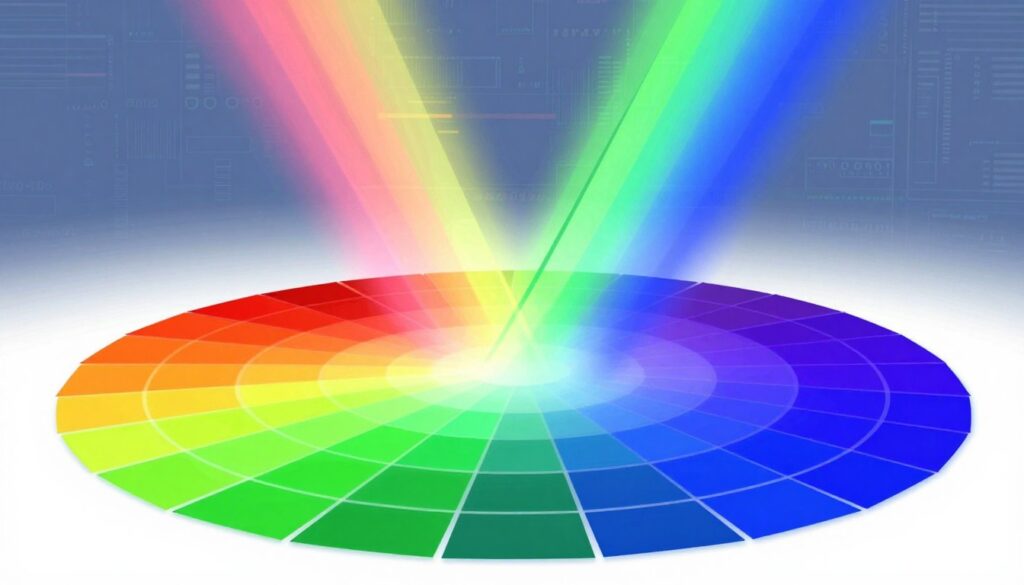
HSL Format for Intuitive Color Adjustments
HSL (Hue, Saturation, Lightness) is a color format that offers an intuitive way to adjust colors based on their hue, saturation, and lightness components. HSL is particularly useful for making nuanced color adjustments and creating harmonious color schemes. For example, adjusting the hue can change the actual color, while modifying the saturation can make the color more or less vibrant. A RGB to HSL converter is a handy tool for designers who need to make these adjustments.
| Color Format | Description | Example |
|---|---|---|
| HEX | Six-digit code representing RGB values | #FF0000 |
| RGB | Values representing red, green, and blue intensity | RGB(255, 0, 0) |
| HSL | Hue, saturation, and lightness components | HSL(0, 100%, 50%) |
CMYK Conversion for Print Projects
CMYK (Cyan, Magenta, Yellow, Key/Black) is a color format critical for print projects. It represents the amount of cyan, magenta, yellow, and key (black) inks used in the printing process. CMYK is used in offset printing, digital printing, and other printing technologies. Converting colors from digital formats like RGB or HEX to CMYK is essential for ensuring that the printed colors match the intended design. A CMYK to HEX converter can be useful for designers who need to work with both digital and print media.
Understanding the differences between these color formats and being able to convert between them is vital for designers and developers working on various projects. Whether it’s web development, digital design, or print media, the right color format ensures that the final product looks as intended.
Complete Features of Our Free Color Picker Tool
With a wide array of features, our Color Picker Tool stands out as a versatile and indispensable resource for designers and developers alike. It is designed to streamline the color selection process, offering a comprehensive suite of functionalities that cater to various needs.
Interactive Color Selection Interface
The tool boasts an interactive color selection interface that allows users to pick colors with ease. This intuitive interface is designed to provide a seamless user experience, making it simple to navigate and select the perfect shade for your project.
Free HEX to RGB Converter and All Format Conversions
Our Color Picker Tool includes a free HEX to RGB converter and supports conversions across all major color formats, including HSL and CMYK. This feature ensures that you can work with your preferred color format, whether it’s for web development, graphic design, or print projects.
WCAG Contrast Checker Tool for Accessibility
Ensuring accessibility is crucial, and our tool includes a WCAG contrast checker to help you verify that your color choices meet the required standards. This feature is invaluable for creating designs that are accessible to everyone, including individuals with visual impairments.
Advanced Color Generation Options
For those looking for inspiration or specific color palettes, our tool offers advanced color generation options. These include:
Random Color Generator for Creative Inspiration
- A random color generator that can spark creativity and help you discover unique color combinations.
Pastel Color Generator for Soft Palettes
- A pastel color generator ideal for creating soft, calming color schemes.
Vibrant Color Generator for Bold Designs
- A vibrant color generator perfect for bold and eye-catching designs.
Color Blindness Simulator Online
Understanding how your design appears to users with different types of color vision deficiency is made easy with our color blindness simulator online. This feature allows you to test your color choices and make necessary adjustments to ensure your design is accessible to a wider audience.
Free Online Color Palette Generator
Finally, our tool includes a free online color palette generator that helps you create harmonious color schemes. This feature is perfect for designers and marketers looking to establish a consistent brand identity.
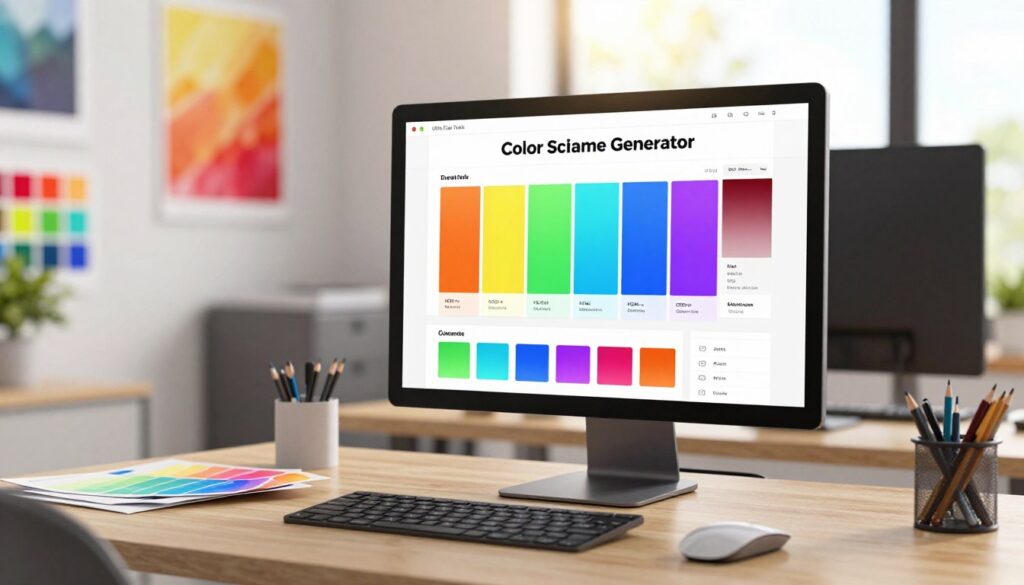
How to Use the Online Color Picker Tool
With our free online color picker, you can effortlessly select colors, generate color schemes, and ensure WCAG compliance. The tool is designed to be intuitive, making it easy for designers and developers to incorporate into their workflow.
Picking Colors from the Visual Palette
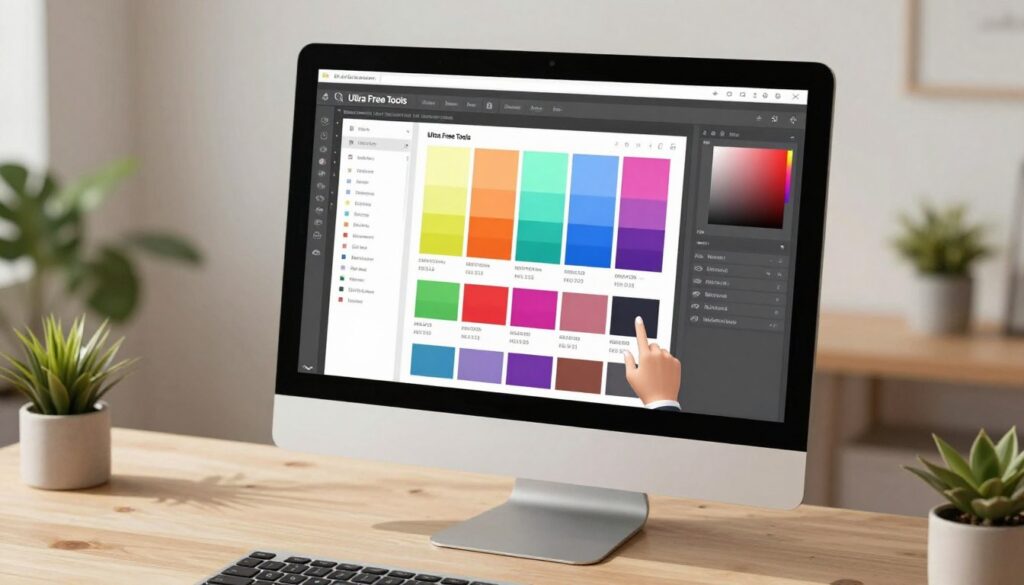
The visual palette is a key feature of our color picker tool, allowing users to select colors intuitively. By browsing through the palette, you can pick the perfect shade for your project. The palette is designed to be visually appealing, making it easy to distinguish between different colors.
Converting Between Color Formats Instantly
Our tool allows for instant conversion between different color formats, including HEX, RGB, HSL, and CMYK. This feature is particularly useful for projects that require colors to be specified in different formats. Simply select your color, and the tool will provide the equivalent values in other formats.
Checking Contrast Ratios for WCAG Standards
Ensuring that your color scheme is accessible is crucial for compliance with WCAG standards. Our tool includes a contrast checker that evaluates the contrast ratio between your selected colors. This feature helps you make informed decisions about your color choices to ensure they meet accessibility guidelines.
“Color contrast is a critical aspect of web accessibility, as it directly affects the readability of content for users with visual impairments.”
— Web Accessibility Initiative
Creating Complete Color Schemes
In addition to picking individual colors, our tool enables you to generate complete color schemes. This feature is useful for creating harmonious color palettes that can be used across your project. By adjusting the hue, saturation, and lightness, you can create a color scheme that perfectly suits your needs.
- Select a base color
- Adjust the hue, saturation, and lightness to create a harmonious palette
- Export your color scheme in various formats
Professional Applications for Designers and Developers
The Color Picker Tool is a versatile resource for professionals across various design and development disciplines. It offers a range of functionalities that cater to the diverse needs of designers and developers.
Web Design and Frontend Development
For web designers and frontend developers, the Color Picker Tool provides an efficient way to select and convert colors between different formats such as HEX, RGB, HSL, and CMYK. This is particularly useful for ensuring consistency in web design projects.
Key Benefits:
- Easy conversion between color formats
- Instant preview of selected colors
- Contrast checking for accessibility compliance
Brand Identity and Graphic Design
In brand identity and graphic design, creating consistent color schemes is crucial. The Color Picker Tool helps designers achieve this by generating palettes and providing detailed color information.
Color consistency is key to brand recognition. The tool aids in maintaining this consistency across different design elements.
Digital Marketing and Social Media
Digital marketers and social media managers can use the Color Picker Tool to ensure brand consistency across different platforms. By using the same color schemes, brands can reinforce their identity.
Ensuring Web Accessibility Compliance
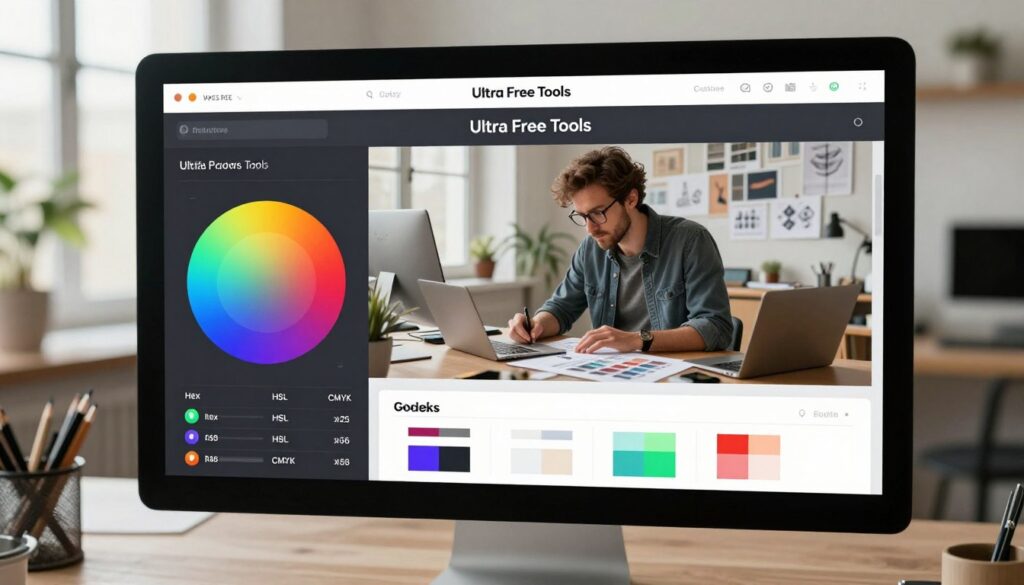
One of the critical features of the Color Picker Tool is its ability to check contrast ratios, ensuring that designs comply with WCAG standards. This is vital for making websites accessible to all users.
| Color Format | Use Case | Benefits |
|---|---|---|
| HEX | Web development | Easy to implement in CSS |
| RGB | Digital displays | Precise color representation |
| HSL | Intuitive color adjustments | User-friendly color manipulation |
| CMYK | Print projects | Accurate color printing |
Conclusion
The Color Picker Tool is a versatile utility that streamlines the design process for professionals. With its support for multiple color formats, including HEX, RGB, HSL, and CMYK, it caters to various project needs.
By utilizing this online color picker tool, designers and developers can enhance their workflow and ensure brand consistency across different platforms. The built-in accessibility color checker helps professionals comply with web accessibility standards, making their work more inclusive.
Whether you’re working on web design, brand identity, or digital marketing projects, this tool provides the necessary features to achieve your goals. Its ability to generate color schemes, convert between color formats, and check contrast ratios makes it an indispensable resource.
By integrating this tool into your workflow, you can improve the quality and accessibility of your work, ultimately delivering better results for your clients or organization.
FAQ
Our online color picker tool is designed as a comprehensive suite for designers and developers to select, convert, and verify colors. It functions as a professional web color tool that handles everything from generating HEX, RGB, HSL, and CMYK codes to ensuring your project meets WCAG accessibility standards.
It is incredibly simple! You can use our free hex to rgb converter for web coding, or utilize the rgb to hsl converter when you need to make intuitive adjustments to hue and saturation. If you are moving from a print layout to a website, our cmyk to hex converter ensures your brand colors remain consistent across all platforms like WordPress or Shopify.
Yes, accessibility is a core feature. We have integrated a wcag contrast checker tool and a dedicated accessibility color checker to help you meet Section 508 and W3C requirements. This ensures your text is readable against your background colors, providing a better experience for all users.
Absolutely. Our color blindness simulator online allows you to preview your selected palette through the lens of various vision deficiencies, such as Protanopia or Deuteranopia. This is a vital step for professional developers using tools like Figma or Adobe XD to create inclusive digital products.
Definitely! You can use our free online color palette generator to build cohesive themes. If you are feeling stuck, try the random color generator for a spark of creativity, the pastel color generator for soft, modern aesthetics, or the vibrant color generator to create high-energy designs for social media platforms like Instagram or TikTok.
Yes, it is. Whether you are a graphic designer or a digital marketer, our color scheme generator helps you maintain brand harmony. By providing precise values for HEX, RGB, and CMYK, you can ensure that your brand assets look identical whether they are viewed on a MacBook Pro screen or printed on a physical business card.
While HEX is the standard for CSS, HSL (Hue, Saturation, Lightness) is often preferred by designers because it is much more intuitive to adjust. Our tool allows you to toggle between these formats instantly, making it easier to create hover states or color variations for complex UI elements in React or Tailwind CSS.