
Merge PDF
Online Merge PDF Tool is a fast and secure tool that combines multiple PDF files into one easily. You can use drag-and-drop, see a preview of the pages, and download with one click. It is completely safe and private.
PDF Merger Tool
Drag & drop PDF files here or
Max 20 files, 100MB total
Files to merge (drag to reorder):
PDF Merger Tool – Merge & Combine PDF Files Online (Free & Secure)
Managing digital paperwork often feels like a never-ending chore for many people today. Whether you are a student or a busy professional, keeping your records organized is vital for success. Sometimes, you have multiple reports that belong together in one single document. Our platform offers a smooth way to combine pdf files without any technical stress or delays.
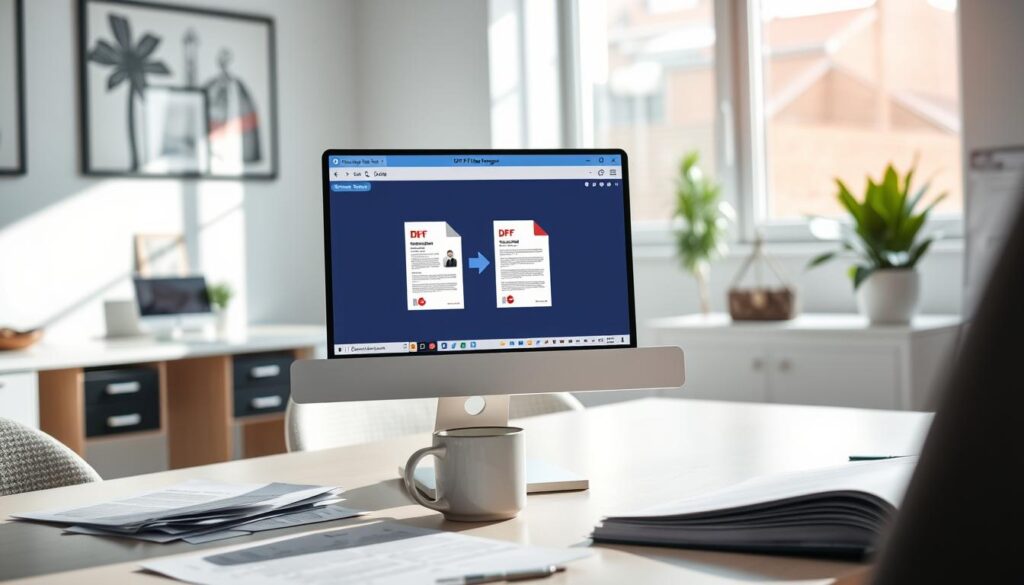
Security is our top priority because we know your information is very sensitive. You can use this free pdf merger knowing that your privacy remains protected at all times. The interface is very friendly and works on any device with an internet connection. There is no need to download heavy software to get the job done right.
You can merge pdf online with just a few clicks of your mouse. This service is completely cost-free and requires no account registration. You can start grouping your records immediately to improve your daily workflow. Our system handles everything in the cloud to ensure high speed and reliability for every user.
Key Takeaways
- Fast and efficient document processing.
- No software installation or registration required.
- Top-tier security to protect your private data.
- Completely free to use on any modern device.
- Simple drag-and-drop interface for ease of use.
- High-quality results with perfectly joined pages.
Why Our Free PDF Merger Stands Out
With our PDF merger, you get more than just a basic joiner; you get a powerful tool for managing your PDF documents.
Our PDF merger is not just another tool in the market; it’s a comprehensive solution designed to cater to various user needs.
It offers several features that set it apart from basic PDF joiners.
Unlike Basic PDF Joiners, Get Full Control
Our tool provides full control over output customization, allowing users to tailor the merged PDF according to their preferences.
This level of control is often missing in basic PDF joiners, making our tool a more versatile option.
Merge Up to 20 Files with Zero Cost
One of the significant advantages of our tool is the ability to merge up to 20 files without incurring any cost.
The total size of the files should not exceed 100MB, making it a convenient option for users with multiple documents to combine.
Browser–Based Tool with No Software Installation
Being a browser-based tool, our PDF merger eliminates the need for software installation.
This makes it accessible from any device with a web browser, enhancing user convenience and flexibility.
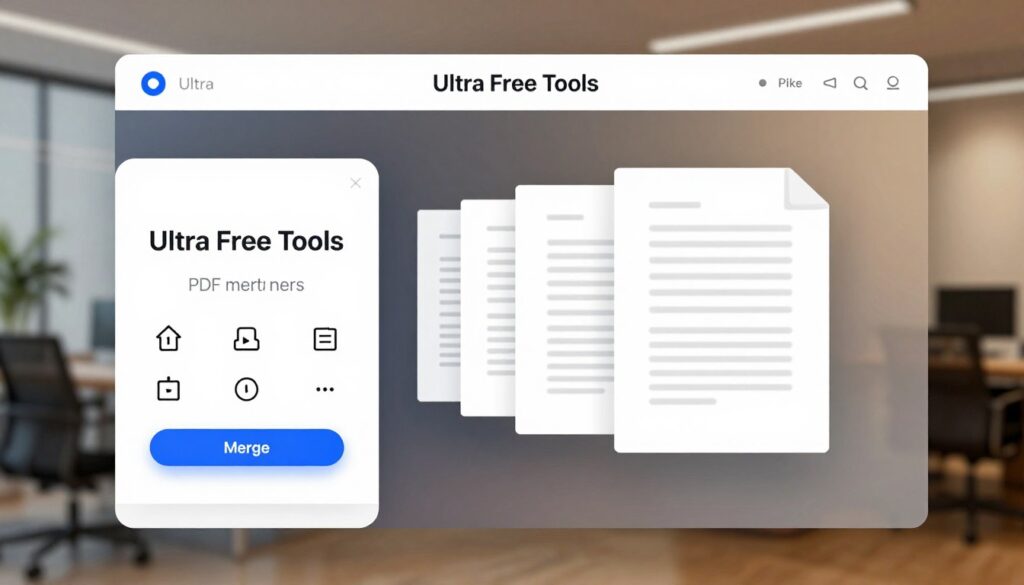
Key Features That Make PDF Merging Easy
Merging PDFs has never been easier, thanks to our intuitive tool. Our PDF merger is packed with features that simplify the process of combining PDF files, making it accessible to everyone.
Simple File Upload and Management
Our tool offers a straightforward way to upload and manage your PDF files. You can easily add your files using the drag & drop functionality or by clicking to browse.
Drag & Drop PDF Files
The drag & drop feature allows you to simply drag your PDF files into the upload area, making it quick and effortless to start the merging process.
Upload Up to 20 Files (100MB Total)
You can upload up to 20 PDF files at once, with a total size limit of 100MB. This flexibility allows you to merge multiple documents without having to split them.
Reorder Files Before Merging
Before merging, you can reorder your PDF files to ensure they are in the desired order. This feature is particularly useful for organizing documents that need to be in a specific sequence.
Advanced Customization Options
Beyond simple file merging, our tool offers advanced customization options to tailor the output to your needs.
Select Specific Pages from Each File
You can choose specific pages from each PDF file to include in the merged document, giving you precise control over the content.
Compress Output PDF
Our tool allows you to compress the output PDF, reducing its size without compromising on quality. This is especially useful for sharing or storing large documents.
Add Watermark for Branding
You can add a watermark to your merged PDF for branding purposes. This feature is ideal for businesses looking to maintain their identity across documents.
Include a Custom Cover Page
Adding a custom cover page to your merged PDF is easy. This feature is useful for creating professional-looking reports or documents.
Set Custom Output Filename
You have the option to set a custom filename for your merged PDF, making it easier to identify and manage your documents.
| Feature | Our Tool | Basic PDF Joiner | Premium PDF Editor |
|---|---|---|---|
| Drag & Drop Support | Yes | No | Yes |
| Max Files Upload | 20 | 5 | Unlimited |
| Page Selection | Yes | No | Yes |
| Output Compression | Yes | No | Yes |
| Watermark Addition | Yes | No | Yes |
Secure & Private PDF Merger You Can Trust
We understand the importance of keeping your documents secure during the merging process. Our PDF merger tool is designed with security and privacy in mind, ensuring that your files are handled with the utmost care.
How We Protect Your Documents
Our tool employs advanced security measures to safeguard your documents. We utilize secure processing protocols that protect your files from unauthorized access. This means you can confidently merge your PDFs without worrying about your data being compromised.
No Login Required, No File Storage
Unlike many other PDF merging tools, ours does not require you to log in or store your files on our servers. This minimizes the risk of data breaches and ensures that your documents are not retained longer than necessary. You can merge your PDFs and download the result without leaving a digital footprint.
Fast Browser-Based Processing
Our PDF merger operates directly within your browser, leveraging fast browser-based processing to merge your files quickly and efficiently. This approach not only enhances security but also provides a seamless user experience, allowing you to merge PDFs without the need for additional software installations.
By combining secure processing, no permanent file storage, and no login requirements, our PDF merger tool offers a secure & private PDF merging experience. Your privacy matters to us, and we are committed to protecting it.
Who Should Use This PDF Merger and When
Our PDF Merger is a versatile tool that caters to the needs of various users, from students to business professionals. Its simplicity and efficiency make it an ideal solution for anyone looking to combine PDF files.
Perfect for Students and Teachers
Students and teachers often need to merge PDF files for various academic purposes. Whether it’s combining research papers, joining assignments, or creating a single document for a project, our PDF Merger makes the process seamless.
- Combine multiple PDF files into a single document for easier submission.
- Merge research papers and assignments with ease.
- Create a comprehensive project report by joining multiple PDFs.
Essential for Business Professionals and Offices
In a professional setting, merging PDF files is a common task. Business professionals and office workers can benefit greatly from our tool.
Some common scenarios include:
- Merging invoices and financial reports.
- Combining contracts and agreements into a single document.
- Creating comprehensive report files for clients or stakeholders.
Common Use Cases for Merging PDFs
Our PDF Merger is designed to handle a variety of tasks. Here are some common use cases:
Combine Scanned Documents
Often, important documents are scanned and saved as separate PDF files. Our tool allows you to combine scanned documents into a single, organized file.
Merge Invoices and Contracts
Merging invoices and contracts is a common requirement in business. Our PDF Merger ensures that all your documents are consolidated and easily accessible.
Join Assignments and Research Papers
For students and researchers, being able to join assignments and research papers is invaluable. Our tool simplifies this process.
Create Single Report Files
Creating a single report file from multiple PDFs is straightforward with our tool. It’s perfect for compiling data, research findings, or project updates into one document.

Conclusion
Using a reliable pdf merger is essential for efficiently combining pdf files into a single document. Our secure pdf merger tool offers a hassle-free solution to merge pdf online, ensuring that your documents are handled with care and security.
With the ability to combine pdf files quickly and easily, you can save time and effort. The tool’s advanced features and user-friendly interface make it an ideal choice for various users, from students to business professionals.
By utilizing our pdf merger, you can enjoy a seamless experience, knowing that your documents are processed securely and privately. Try our tool today to simplify your PDF merging tasks and discover a more efficient way to manage your documents.
FAQ
You can use our free PDF merger to combine multiple PDFs into one document quickly and easily. Our browser-based tool allows you to join PDF files online without any software installation or hidden costs, making it a budget-friendly choice for everyone from students to business professionals.
Yes! When you combine PDF files using our tool, we ensure that the text, images, and formatting remain crisp and professional. Our secure PDF merger tool is designed to maintain high resolution, so your research papers, contracts, and business proposals look perfect every time.
Absolutely. Unlike basic PDF joiners, our tool offers full control. You can select specific pages from each file to merge only selected pages. This allows you to avoid unnecessary content, which saves time and helps reduce file size for the final output.
You can upload up to 20 files with a maximum 100MB total limit. With our drag & drop support, you can manage file list easily, allowing you to combine scanned documents or merge invoices in one go. If the final file is too large for email, simply use the compress output option to optimize for email delivery.
Your privacy is our top priority. We provide secure & private PDF merging with secure processing and fast browser-based merging. Because there is no permanent file storage and no login required, your confidential documents stay private. It is a secure PDF merger tool trusted by accountants, lawyers, and office workers.
Yes, we offer advanced customization options. You can add cover page to your document for a professional look, which is perfect for reports and assignments. Additionally, you can add watermark feature for branding, copyright protection, or to establish a clear business identity.
After you upload up to 20 files, you can reorder files before merging. Simply drag files to rearrange them in the desired order. This ensures your final PDF has correct structure before you click to merge. You can even set your own output filename to keep your digital filing system organized.
Our tool is built for anyone who needs to organize research papers, merge contracts, or create single report file. It is perfect for students, teachers, office workers, accountants, lawyers, and researchers who need a reliable way to compress and merge PDF online for daily tasks.