
PDF Splitter
A quick and safe way to divide big PDF files into smaller ones is with Online PDF Splitter Tool. You have the option to save individual pages or choose particular pages and combine them into a single PDF.
Ultra PDF Splitter
Upload PDF File
Drag & drop your PDF here or click to browse
Supports large files (100+ MB) and password-protected PDFs
Click on thumbnails to select pages manually. You can also use keyboard shortcuts:
- Ctrl+A - Select all pages
- Ctrl+D - Deselect all pages
- Ctrl+Z - Undo last selection
Checking for bookmarks...
Export Options
Processing...
0%
Ultra PDF Splitter - Help
Getting Started
Upload a PDF file using the file picker or by dragging and dropping it onto the upload area.
Selecting Pages
- Manual Selection: Click on thumbnails to select individual pages
- Page Range: Enter ranges like "1-5, 7-10" to select specific pages
- Odd/Even Pages: Select all odd or even numbered pages
- Custom Sets: Create custom sets of pages separated by semicolons
- Every Nth Page: Extract every Nth page starting from a specific page
- By Bookmarks: Split the PDF based on bookmark sections (if available)
- Equal Parts: Split the PDF into a specified number of equal parts
Keyboard Shortcuts
- Ctrl+A - Select all pages
- Ctrl+D - Deselect all pages
- Ctrl+Z - Undo last selection
Exporting
- Download Individual Files: Download each selected page as a separate PDF
- Download Selected Pages as One PDF: Combine all selected pages into a single PDF
- Download as ZIP: Download all selected pages as a single ZIP file
- Rename Files: Customize the names of the output files before downloading
- Preview Split: Preview how the PDF will be split before exporting
Privacy
All processing happens in your browser. Your files are never uploaded to any server.
Password Protected PDF
This PDF is password protected. Please enter the password to unlock it.
Rename Output Files
Customize the names for each split file:
PDF Splitter – Advanced Online PDF Page Splitter (Free & Secure)
Handling digital documents can sometimes feel like a complex puzzle. You often need to extract specific pages for a work project or remove unnecessary parts from a large file. Our best choice for file management provides a smooth way to organize your work without any trouble.
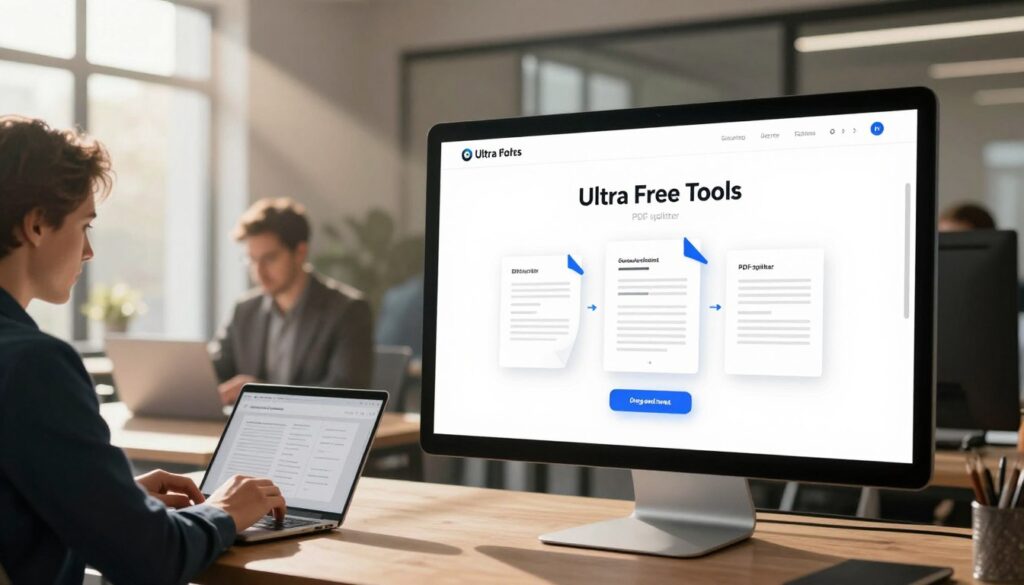
Security is a top priority when you deal with sensitive records. This pdf splitter online free utility protects your data and keeps everything private during the entire process. You can rely on our technology to give you fast and accurate results.
Do not waste time with heavy software that slows down your device. This modern browser tool works directly online to save you effort. Start using this friendly service to make your daily tasks much easier.
Key Takeaways
- Protect your information with secure, end-to-end encryption.
- Enjoy a simple design that requires no technical skills.
- Separate pages instantly from any desktop or mobile browser.
- Maintain high visual quality in all your new files.
- Save space by removing unwanted pages from large documents.
- Skip the downloads with a completely web-based solution.
Why Our Free PDF Splitter Is the Best Choice for Your Document Needs
In a sea of PDF splitting tools, ours distinguishes itself with advanced features and a commitment to security. Our advanced PDF splitter tool is designed to provide users with a seamless experience when splitting PDFs into multiple files.
One of the key advantages of our tool is its ability to handle complex PDF splitting tasks with ease. Whether you need to split PDF into multiple files based on specific page ranges or extract particular pages, our tool provides the flexibility and precision you need.
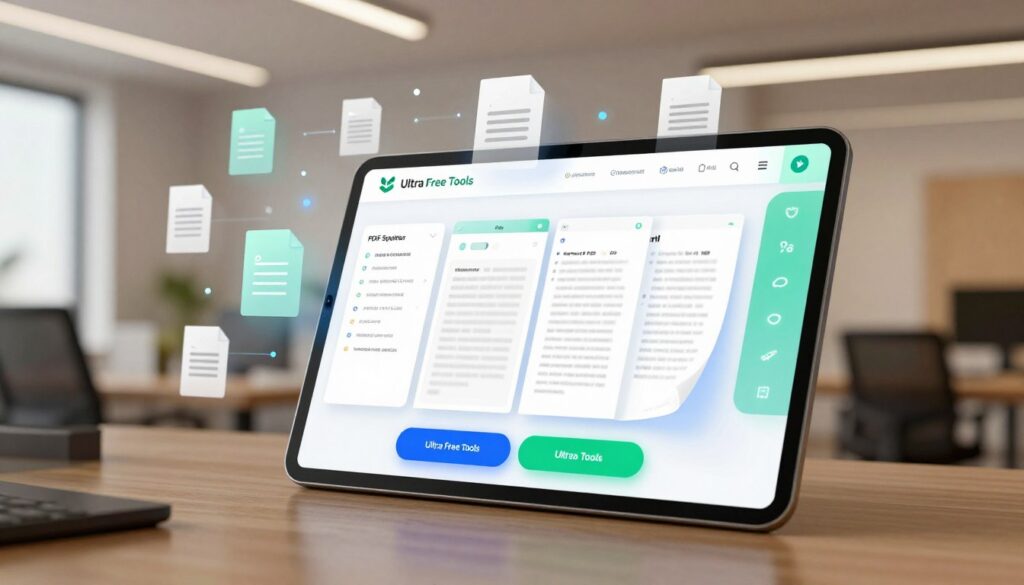
Security is a top priority when dealing with sensitive documents. Our secure PDF splitting tool ensures that your files are processed with the utmost care, maintaining the confidentiality and integrity of your data.
As an online PDF extractor, our tool is accessible from anywhere, at any time, making it an ideal solution for individuals and businesses alike. The convenience and reliability it offers make it a preferred choice for those seeking to manage their PDF documents efficiently.
By choosing our PDF splitter, you are opting for a tool that is not only feature-rich but also secure and easy to use. This makes it an indispensable resource for anyone looking to streamline their document management processes.
Effortless Upload Process with Powerful File Support
Effortless uploading is just the beginning of what our PDF splitter can do. Our tool is designed to simplify the process of splitting your PDF files, starting with an easy and intuitive upload process.
Drag and Drop or Click to Browse
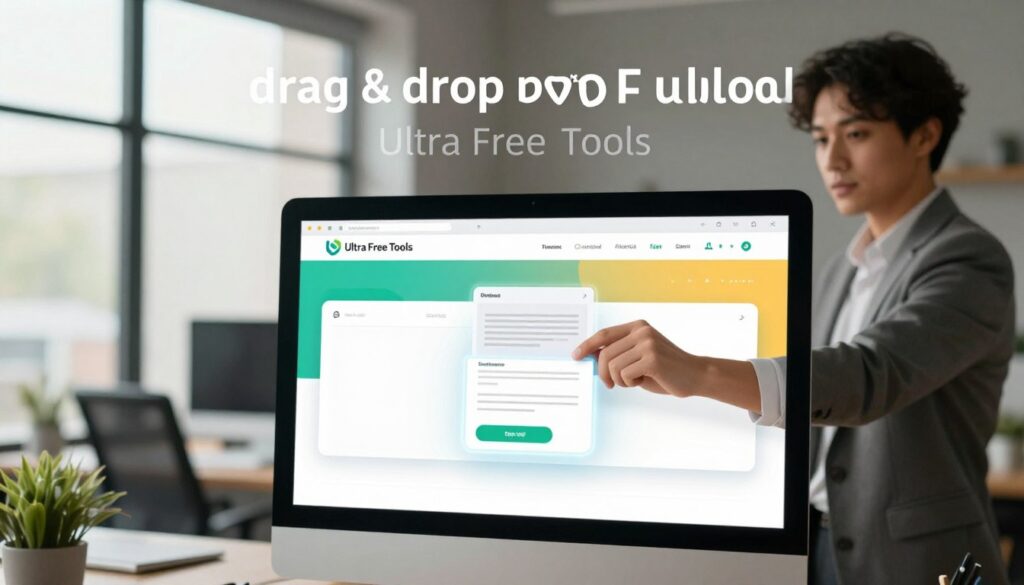
Our PDF splitter allows you to drag and drop your PDF files directly into the upload area or click to browse your computer for the files you need. This flexibility ensures that you can work with your PDFs in the way that feels most comfortable for you.
Handle Large PDFs and Password-Protected Files
We understand that not all PDFs are created equal. Some are large, and some are protected. Our tool supports large PDFs (100MB+) and can handle password-protected PDFs, ensuring that you can work with any PDF file you have.
| Feature | Benefit |
|---|---|
| Drag & Drop Upload | Easy and intuitive file upload |
| Large PDF Support | Handle PDFs over 100MB |
| Password-Protected PDF Support | Work with secure PDFs |
Advanced Page Selection Methods for Complete Control
Our advanced PDF splitter offers a range of page selection methods to give you complete control over your documents. Whether you’re dealing with a large PDF or need to extract specific pages, our tool provides the flexibility and precision you need.
Manual Page Selection with Visual Thumbnails
Manual page selection is made easy with our visual thumbnail preview. This feature allows you to browse through your PDF pages visually and select the ones you need.
- View each page as a thumbnail for easy identification
- Select pages individually or in groups
- Preview pages before extraction
Page Range Selection for Custom Extraction
For larger PDFs, selecting individual pages can be tedious. Our page range selection feature simplifies this process.
How to Use Page Ranges
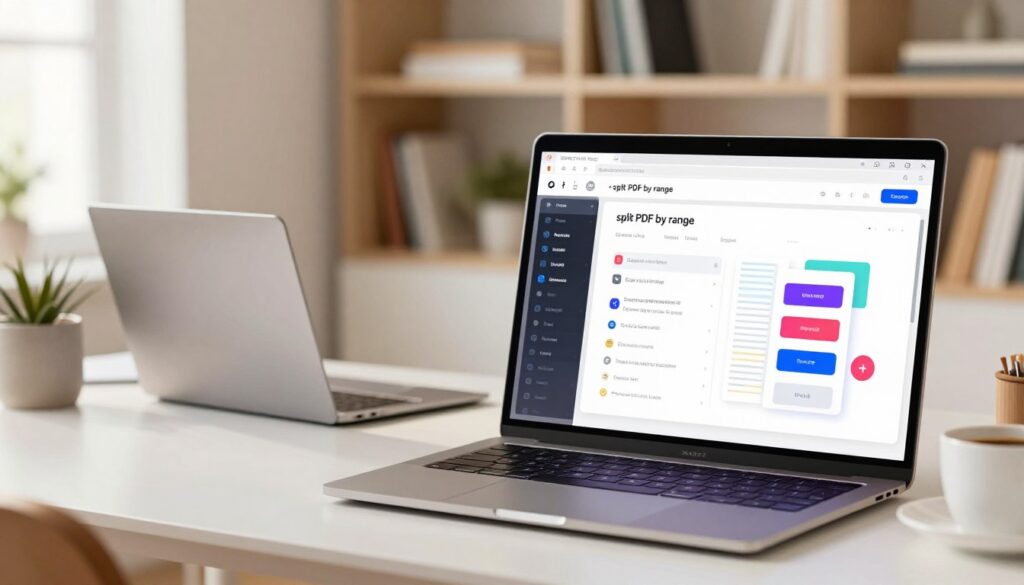
To use page ranges, simply enter the start and end page numbers, and our tool will extract the pages within that range. You can also specify multiple ranges to extract non-contiguous pages.
- Enter page ranges (e.g., 1-5, 10-15)
- Extract multiple ranges at once
Odd and Even Page Splitting
Sometimes, you may need to split your PDF into odd and even pages. This feature is particularly useful for printing purposes.
- Extract odd or even pages with a single click
- Useful for double-sided printing
Custom Page Sets to Create Multiple PDFs
Create multiple PDFs from a single document by selecting custom page sets. This feature is ideal for creating separate documents for different purposes.
Example Use Cases
For instance, you can create separate PDFs for different chapters of a book or separate handouts for different topics in a presentation.
- Create separate PDFs for different sections
- Ideal for organizing large documents
Every Nth Page Extraction
This feature allows you to extract every nth page from your PDF, which can be useful for sampling or creating summary documents.
- Extract pages at regular intervals
- Useful for creating summary or sample documents
Split by Bookmarks Automatically
If your PDF contains bookmarks, you can split it automatically based on these bookmarks. This feature saves time and effort.
- Automatically split PDFs based on bookmarks
- Saves time and reduces manual effort
Divide PDF into Equal Parts
Divide your PDF into equal parts, making it easier to manage and share large documents.
- Divide PDFs into equal sections
- Easy to manage and share large documents
Keyboard Shortcuts for Power Users
For power users, our PDF splitter offers keyboard shortcuts to speed up the page selection process.
- Use keyboard shortcuts for faster navigation
- Enhance productivity with quick actions
Flexible Export Options and Ironclad Security
With our advanced PDF splitter, you can enjoy a seamless experience with flexible export options and ironclad security measures.
Multiple Download Formats and Options
Our tool offers a variety of download formats to suit your needs. You can download your split PDFs in multiple formats or as a ZIP file for convenience. This flexibility ensures that you can manage your documents in the way that works best for you.
Key Download Options Include:
- Individual PDF files for each selected page or range
- A single ZIP file containing all split PDFs for easy download
- Customizable file naming to keep your documents organized
| Download Option | Description | Benefit |
|---|---|---|
| Individual PDFs | Download each split PDF separately | Ideal for managing multiple documents |
| ZIP File | All split PDFs packaged in a single ZIP file | Convenient for downloading multiple files at once |
| Custom File Naming | Name your files according to your preference | Enhances organization and ease of access |
100% Private and Secure PDF Processing
Security is our top priority. Our PDF splitter ensures that your documents are processed 100% privately and securely. We do not store or share your files, giving you complete peace of mind when handling sensitive information.
Our security measures include:
- End-to-end encryption for all file transfers
- No storage of uploaded or processed files on our servers
- Regular security audits to ensure compliance with the latest standards
Perfect for Sensitive Documents
Whether you’re handling confidential business documents or personal files, our PDF splitter is designed to protect your sensitive information. With our tool, you can trust that your documents are safe and secure throughout the splitting process.
Who Should Use This Advanced PDF Splitter and What You Gain
Whether you’re a student, a business professional, or an educator, our PDF splitter is tailored to meet your needs. This tool is designed to be versatile and user-friendly, making it an ideal solution for a wide range of users across different industries.
Ideal Users Across All Industries
Our PDF splitter caters to various professionals, including students, educators, business professionals, and legal teams. Each of these groups can benefit from the tool’s advanced features and capabilities.
Students and Educators
Students and educators can use our PDF splitter to extract relevant pages from large study materials or textbooks, creating customized study guides. This feature is particularly useful for creating focused study materials and reducing the bulk of unnecessary pages.
Business Professionals and Legal Teams
Business professionals and legal teams often deal with large documents and contracts. Our PDF splitter allows them to extract specific pages or clauses quickly, making it easier to review and share relevant information.
Technical Capabilities That Set Us Apart
Our PDF splitter boasts several technical capabilities that make it stand out from other tools. These include browser-based processing, support for modern PDF standards, and the ability to handle multi-page documents efficiently.
| Technical Capability | Description | Benefit |
|---|---|---|
| Browser-Based Processing | Process PDFs directly in your browser without the need for software downloads. | Enhanced security and convenience. |
| Support for Modern PDF Standards | Compatible with the latest PDF formats and encryption methods. | Ensures compatibility and security. |
| Efficient Handling of Multi-Page Documents | Quickly split large PDF documents into smaller files. | Saves time and improves document management. |
Key Benefits of Our Free PDF Splitter
The key benefits of using our PDF splitter include optimized performance for fast splitting, a user-friendly interface, and the ability to create customized PDF documents.
- Fast and efficient PDF splitting.
- User-friendly interface for easy navigation.
- Customizable output to suit specific needs.
Conclusion
Our PDF splitter tool is designed to make your document management tasks easier and more efficient. It is free to use, with no watermark or signup required, allowing you to work online without any restrictions.
With large file support and advanced page control, you can handle complex PDF documents with ease. The tool offers multiple export options, ensuring that you can tailor the output to your specific needs.
Fast processing and secure, private handling of your documents give you peace of mind. Whether you’re working with sensitive information or simply need to split a large PDF, our tool is the ideal solution.
By providing a user-friendly interface and robust features, our PDF splitter tool is perfect for individuals and organizations looking for a reliable and efficient way to manage their PDF documents.
FAQ
Yes! Our online pdf splitter is completely free to use, requires no signup, and adds no watermark to your documents. You can extract pages from pdf or divide pdf into parts as often as you need without hitting a paywall.
Our advanced pdf splitter tool features a fast processing engine that supports large pdfs (100mb+). You can simply use the drag & drop pdf upload or click to browse files from your desktop, tablet, or mobile device to start the process instantly.
Absolutely. When you extract selected pages from pdf using our tool, we ensure you split pdf without losing quality. The resolution, fonts, and formatting remain identical to the original file, making it the best pdf splitter website for high-quality documents.
Our secure pdf splitting tool works with password-protected pdfs. Once you upload the file, you will be prompted to enter the password. After that, you can use our custom pdf page splitter to separate pdf pages or split pdf by range just like any other file.
We offer multiple powerful page selection options for total control. You can use manual page selection by clicking visual thumbnails, enter a page range selection (like 1–5, 10–15), or perform an odd / even page split. For more complex tasks, you can even extract every nth page or create custom page sets to generate multiple pdfs at once.
Yes, our tool can split pdf by bookmarks automatically, which is a life-saver for ebooks, reports, and manuals. It detects the internal structure and allows you to split pdf into multiple files based on your existing chapters or sections.
Definitely! If you have a long document and need to break it down, you can use our online tool to divide pdf into equal parts. Simply choose to split it into 2, 3, or 5 equal parts or specify a custom number of sections.
To help office professionals and lawyers work faster, we’ve included keyboard shortcuts. Use Ctrl + A to select all, Ctrl + D to deselect all, and Ctrl + Z to undo your last selection. This power user mode significantly boosts speed and productivity.
We prioritize your privacy with 100% private processing. Our secure file handling protocols ensure that files are not stored permanently; we use auto deletion after processing to protect sensitive documents such as legal contracts, bank statements, and business reports.