How to change your IP Address (Complete Guide for Beginner)
Every device connected to the internet has a digital identifier called an IP address. You can think of this like your home address, which tells websites where you are in the world. It is crucial to control this information if you want to keep your details safe.
When you use the internet, you leave a trail of information behind you. This is why it is a good idea to protect your internet privacy. By changing your IP address, you can keep your location and browsing habits private. This guide will show you how to do it in an easy-to-understand way.
We will look at ways beginners can manage their digital footprint. Whether you want to bypass restrictions or just be more anonymous online, we will give you the tools you need. Let’s start this journey toward a secure online experience!
Key things to remember:
Your IP address is like a digital footprint that shows what you do online.
Hiding your location is important for keeping your data safe.
There are tools that can help you hide your real identity from trackers.
Managing your footprint prevents you from getting targeted ads.
Beginners can easily learn how to use these privacy settings with guidance.
Understanding IP Addresses and Why You Might Want to Change Yours
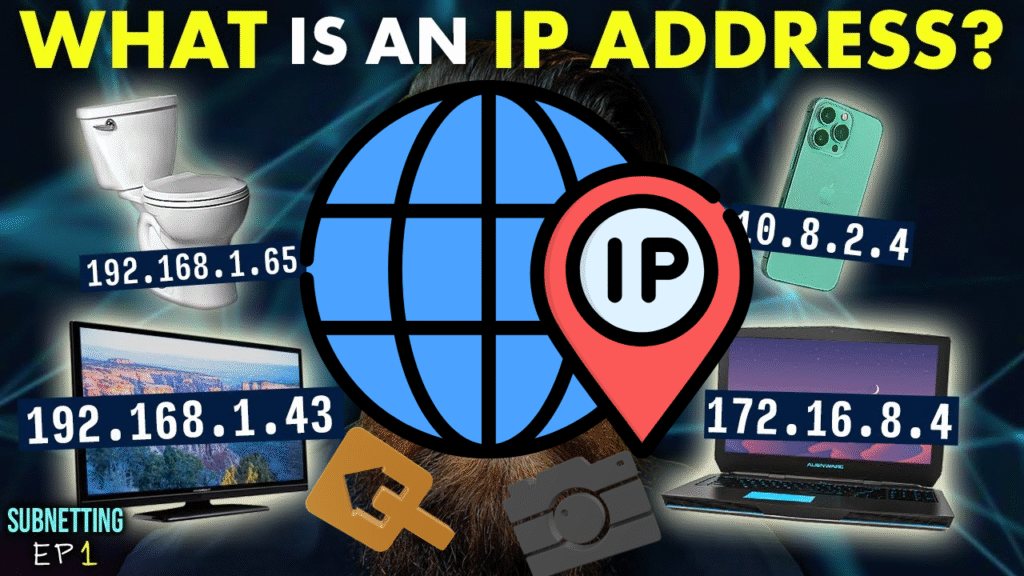
To take control of your privacy, you need to understand how your internet connection works. Every device that connects to a network uses a numerical label called an Internet Protocol address to communicate with other devices. This label helps servers send data to your computer, tablet, or smartphone.
What is an IP Address?
Think of an IP address as a digital mailbox for your device. Without it, the internet would not know where to send the websites or emails you request. Most people’s internet connections use a dynamic IP address, which is assigned by their internet service provider and changes from time to time. On the other hand, a static IP address stays the same and is often used by businesses or servers that need a permanent web address.
Why Do People Hide Their IP Address?
Many people choose to hide their IP address to protect their data from trackers and advertisers. When you hide your IP address, you stop websites from building a profile about you based on where you are and what you do online. This is essential for maintaining your privacy in a world where large amounts of data are collected about you.
If you want to enhance your security, here are some tips to help you:
Use a reliable VPN to encrypt your internet traffic and change your visible location.
Clear your browser cookies regularly to stop websites from tracking you.
Enable “Do Not Track” in your browser settings.
Avoid logging into your personal accounts when using public Wi-Fi.
Regularly check your network settings to ensure your connection remains secure.
By following these tips, you can take back control of your digital footprint. When you understand how your internet connection works, you can make informed decisions about when and why to change your virtual location.
How to Change Your IP Address Using a VPN
To secure your digital footprint, you need to know how to change your IP address using a VPN. A Virtual Private Network acts like an encrypted tunnel for your internet traffic, hiding your real location from websites and trackers. By routing your connection through a secure server, you can browse the internet safely from anywhere.
Choosing a Good VPN Service
The first step is to choose a VPN service that prioritizes privacy. Look for providers that do not keep records of your online activity (a no-logs policy) and offer fast servers in multiple locations around the world. Before signing up, check if the service has been independently audited by security experts. A reputable provider will be transparent about its privacy policy and offer responsive customer support.
Setting Up a VPN on Your Device
Setting up a VPN is simple and straightforward. Whether you use a Windows PC, Mac, or smartphone, the process is very similar. You will need to create an account with your chosen VPN provider before you start.
To install the VPN application:
Go to the provider’s official website.
Download the installer for your operating system.
Run the installer and follow the on-screen instructions to complete the setup.
Most modern VPN apps are user-friendly and only take a few clicks to get started.
Connecting to a Server in a Different Region
After launching the VPN app, log in with your account details to access the dashboard. You will see a list of countries or cities where you can route your internet traffic. Choose a location and click the Connect button to change your IP address immediately.
Once connected, your device will appear to be browsing from that location. This helps you bypass geo-restrictions and adds an extra layer of anonymity to your online activities. Always check your connection status in the app to ensure your traffic is fully protected.
Manual Ways to Reset Your IP Address
Resetting your local IP address is simple and does not require third-party software. You can use built-in system tools or hardware steps to reset your network settings and refresh your internet connection.
One way to do this is to power cycle your modem and router. This clears the cache in your hardware and requests a new IP address from your Internet Service Provider (ISP).
To power cycle your hardware:
Unplug the power cable from your modem and router.
Wait for 60 seconds to ensure all capacitors are fully discharged.
Plug the power cables back in and wait for the indicator lights to stabilize.
You can also use the Command Prompt on Windows to release and renew your IP address. This tool lets you communicate directly with your network adapter and request a fresh configuration from your router.
To reset your IP via Command Prompt:
Open the Command Prompt as Administrator.
Type
ipconfig /releaseand press Enter to drop your current IP address.Type
ipconfig /renewand press Enter to request a new IP address from the DHCP server.
Using a Proxy Server for Temporary IP Masking
While many people use VPNs for complete privacy, proxy servers offer an alternative way to temporarily mask your IP address. These tools act as an intermediary between your device and the internet, routing your traffic through a remote server. They are useful when you need to change your IP address for a single specific task.
The main difference between proxies and VPNs is that proxies usually only handle traffic for one application (such as your web browser). Because proxies often lack the end-to-end encryption found in VPNs, they are best suited for quick, temporary sessions rather than long-term security.
Configuring Browser-Based Proxy Settings
Setting up a proxy in your browser is easy to do and does not require a lot of technical knowledge. You can direct your web traffic through a proxy without affecting other programs on your device.
To set up a proxy in Google Chrome:
Open the settings menu and go to the System section.
Click on the option to open your computer’s proxy settings, which will redirect you to your operating system’s network configuration.
From there, enter the IP address and port number of your chosen proxy service.
To set up a proxy in Mozilla Firefox:
Open settings and go to the General panel.
Scroll down to the Network Settings section and click Settings.
Select the Manual proxy configuration option and enter your server details.
Troubleshooting Common Connection Issues
Even with the best tools, you might encounter some minor problems when changing your digital footprint. While these adjustments are designed to maintain a stable internet connection, technical glitches can occasionally occur.
Slow Speeds: If your internet speed drops significantly, try switching to a server that is closer to your physical location to reduce latency. You can also try changing your connection protocol in your software settings—for example, switching from OpenVPN to WireGuard can often provide a faster, more stable experience.
DNS Conflicts: If you have trouble loading websites, you may be dealing with a DNS conflict. This happens when your computer uses cached, outdated information instead of the new settings from your service. To fix this, try flushing your DNS cache through your system terminal to clear out old data and retrieve fresh information.
Verifying Your New IP Address
Once you make these changes, verify your IP address to ensure everything is working as expected. You can use online IP lookup tools to confirm if your traffic is routing through the correct location. If a site still displays your original location, try disconnecting and reconnecting your service to resolve the issue.
Troubleshooting Summary
| Issue Type | Common Cause | Quick Fix |
| Slow Speeds | Server Distance | Switch to a closer server |
| DNS Errors | Cached Data | Flush DNS cache |
| IP Leak / Connection Lag | Connection Drop | Reconnect VPN |
Conclusion
In today’s digital world, taking control of your online footprint is essential. Now you know how to change your network identity using tools like VPNs or by adjusting your router settings.
Consistency is key to staying safe online. Try to apply these privacy practices whenever you browse the web to protect your data from unwanted tracking. Digital safety is an ongoing process, not a one-time setup. By prioritizing internet privacy and staying informed, you can effectively safeguard your personal information.
Frequently Asked Questions
A dynamic IP address is the common type and is given by your internet service provider. It changes often. A static IP address stays the same. Knowing the difference is important if you want to change your footprint or improve your internet privacy.
A Virtual Private Network acts like a tunnel for your data. When you set up a VPN like NordVPN or ExpressVPN, you connect to a server in a location. This helps you hide your IP address and stay secure online by hiding your location.
Yes, you can. On Windows, you can use the Command Prompt to release and renew your IP configuration. On macOS, you can use the Terminal application. Another way is to restart your modem and router, which can make your provider give you an address.
Proxy servers are useful for temporary sessions, but they usually only work for specific applications. For example, setting up a proxy in Google Chrome or Mozilla Firefox only works for those browsers. A VPN is better for online anonymity because it secures your whole device.
If your internet speed drops, try switching to a server closer to you. If you have connectivity errors, you may need to flush your DNS cache. Always check your IP address on a site like whatismyip.com to make sure your new settings are working.
In today’s world, your IP address can reveal a lot about you. Learning to hide your identity is important for internet privacy. By using these tools, you can prevent websites and others from tracking you, keeping your information safer.