What Is a VPN and When Should You Use One?
Picture sitting at a local coffee shop, sipping your drink, and checking your bank account or reading emails on the open Wi-Fi. It feels convenient, but shared wireless networks are surprisingly easy for unwanted eyes to monitor. Whenever you connect to the internet, your device sends data back and forth, broadcasting details like your location and browsing activity to your Internet Service Provider (ISP) and the networks you connect through
This is where a Virtual Private Network, commonly known as a VPN, comes into play. While the term sounds technical, the basic concept is straightforward. A VPN creates a secure, private bridge between your device and the internet. But what does that actually mean for your daily browsing, and do you really need one on your phone or laptop?
What Is a VPN?
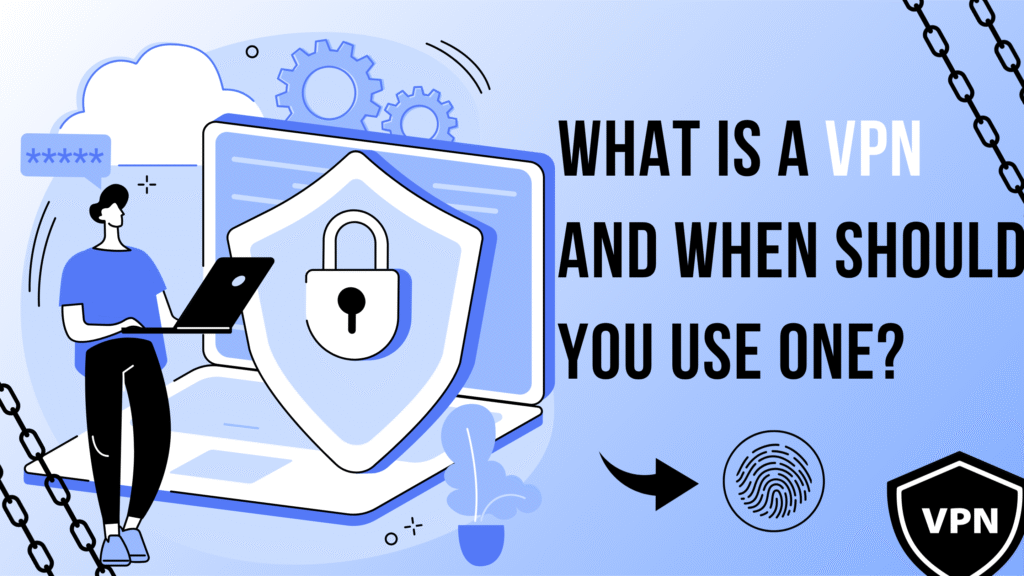
VPN stands for Virtual Private Network. At its core, it is a service that secures your internet connection and helps protect your privacy online.
Normally, when you visit a website, your device connects directly to your Internet Service Provider, which then routes you to the site. During this process, your ISP—and potentially anyone monitoring the network—can see where you are going online.
When you use a VPN, your internet connection is redirected through a remote server managed by the VPN provider. The data traveling between your device and that server gets converted into coded language, making it unreadable to outside observers. As a result, the websites you visit see the identity of the VPN server rather than your personal device.
How Does a VPN Work?
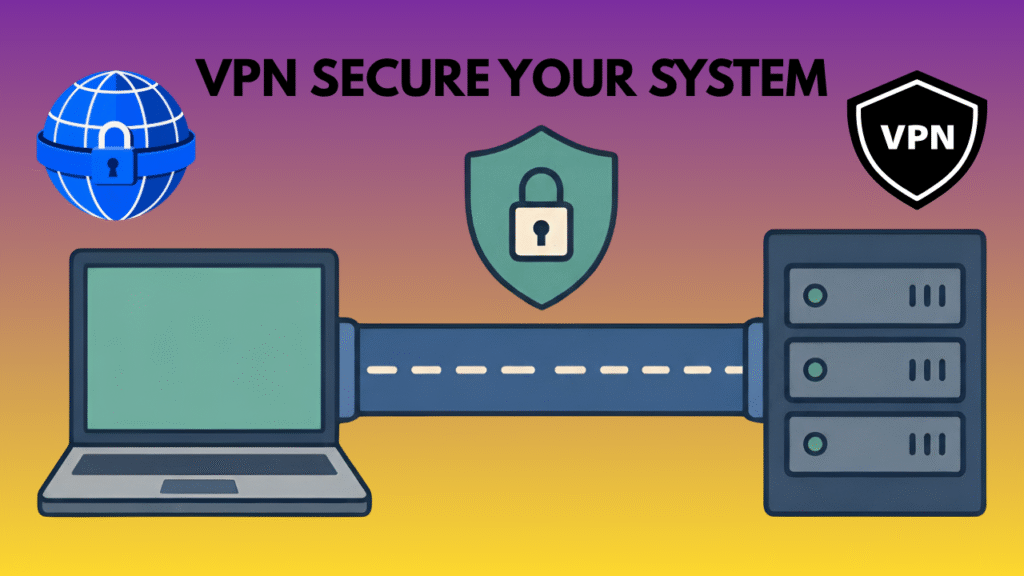
Understanding how a VPN functions does not require a degree in computer science. The process happens automatically behind the scenes in four basic steps:
- Connection: You open a VPN app on your phone or computer and hit connect. The app establishes a connection with a VPN server located somewhere else in the world.
- Encryption: The app builds a secure, encrypted “tunnel” for your data. Encryption scrambles your information so that anyone intercepting it sees only gibberish.
- Rerouting: Your internet traffic travels through this secure tunnel directly to the VPN server.
- Destination: The VPN server sends your request out to the internet on your behalf. The website you visit receives the request from the VPN server and sends data back through the same protected path.
To visualize this, think of your regular internet connection as a clear glass pipe. Anyone looking at the pipe can see what is moving through it. Using a VPN is like placing a solid steel casing around that pipe. People can still tell that data is moving, but they can no longer see what it is or where it originally came from.
What Does a VPN Hide?
A VPN is a helpful tool for digital privacy, but it is important to know its specific limits so you do not carry a false sense of security.
What a VPN Helps Protect or Hide:
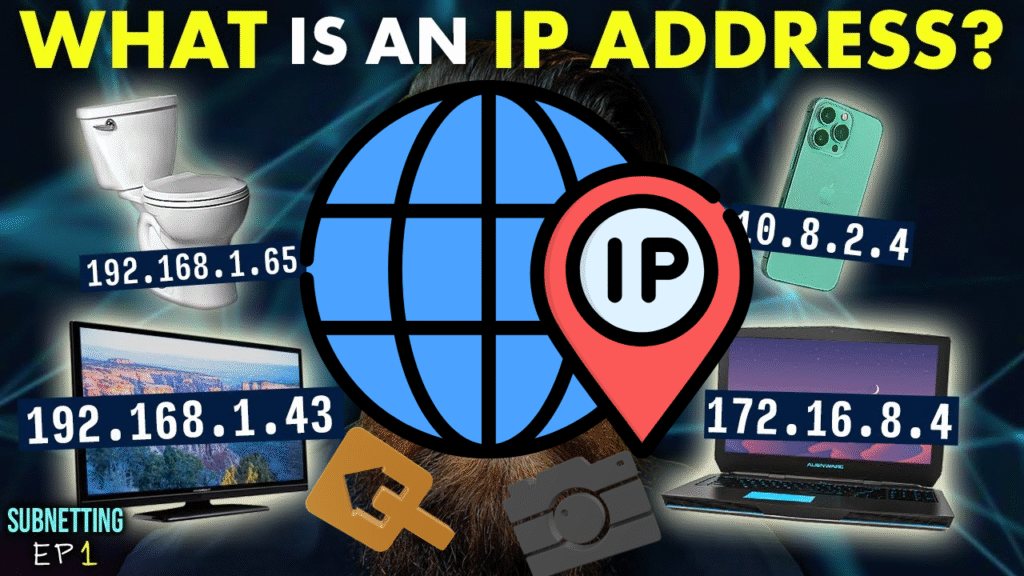
- Your Public IP Address: Websites see the IP address of the VPN server instead of the unique home or mobile address assigned by your internet provider.
- Your IP-Based Location: Websites may generally associate your connection with the geographic location of the VPN server rather than the location associated with your normal IP address.
- Traffic on Unsecured Networks: A VPN adds an extra layer of encryption between your device and the VPN server, which can help protect your traffic from other people on the same network.
- Browsing Details from Your ISP: Your Internet Service Provider can see that you are connected to a VPN, but they cannot see the specific websites you visit or the pages you read.
What a VPN Does NOT Hide:
- Account Activity: If you sign into your Google, Amazon, or social media accounts while using a VPN, those services still know who you are.
- Information You Provide: Submitting your name, email, or credit card info into an online form transmits that data directly to the site owner regardless of your connection method.
- Browser Cookies and Trackers: Web browsers use cookies and device fingerprinting to track your behavior across sites. A VPN does not block these trackers by default.
- Malware and Phishing: A VPN does not stop you from downloading harmful files or clicking suspicious email links. You still need proper security habits and antivirus software.
When Should You Use a VPN?
You do not necessarily need to leave a VPN running 24 hours a day, 7 days a week. However, turning one on makes sense in several common, practical scenarios:
- Using Public Wi-Fi Networks: Open networks at coffee shops, airports, hotels, and libraries are convenient, but they lack strong built-in security. A VPN protects your connection against potential eavesdroppers on the same network.
- Working Remotely: Many companies require employees to connect via a secure corporate VPN to ensure company documents, emails, and sensitive client information remain protected.
- Traveling Abroad: When traveling, connecting to familiar online services like bank portals can sometimes trigger automated fraud alerts due to foreign IP addresses. Using a VPN server located in your home country keeps your connections consistent.
- Preventing ISP Tracking: If you prefer that your internet service provider does not log your general browsing habits and sell aggregated data to advertisers, turning on a VPN keeps those details hidden.
- Connecting to Untrusted Networks: Whenever you are using an internet connection you do not personally manage or fully trust, a VPN adds a comforting layer of protection.
When Might You NOT Need a VPN?
While VPNs offer real privacy benefits, they are not strictly necessary for every person or every online activity.
If you are at home, connected to a password-protected Wi-Fi network you own, and simply checking the news or streaming a video, a VPN may not offer much practical day-to-day benefit. Today, most reputable websites use HTTPS encryption (indicated by the small padlock icon in your browser address bar), which already protects your connection to that specific site.
Running a VPN can also slightly reduce your internet speed because of the extra distance your data travels and the processing required for encryption. If you are online gaming where every millisecond of latency counts, or streaming high-definition video over an already slow home connection, turning off the VPN might give you better performance.
Are VPNs Completely Private and Anonymous?
It is vital to distinguish between privacy and anonymity. A VPN provides enhanced digital privacy, but it does not make you completely anonymous on the internet.
True online anonymity is extremely difficult to achieve. Even with a VPN active, your online actions can be tied back to you through logged-in accounts, tracking scripts, browser cookies, and payment details.
Furthermore, using a VPN means you are shifting your trust from your Internet Service Provider to the VPN provider. While your ISP can no longer see your web activity, the VPN company technically has visibility into your connection data.
This is why reading a provider’s privacy policy and logging policy is crucial. Reputable VPN companies operate under strict “no-logs” policies, meaning they do not collect, store, or monitor your online browsing history. Still, you rely on the provider to honor those policies.
Are Free VPNs Safe to Use?
Free VPN services sound appealing, but running a global network of servers requires significant financial resources. If a company does not charge you a subscription fee, they must generate revenue in other ways.
Some free VPNs rely on legitimate models, such as offering a basic, restricted version of their premium service with slow speeds or strict data caps. However, many lesser-known free VPNs offset costs through more troubling practices:
- Injecting aggressive advertisements into your browsing sessions
- Collecting and selling user activity logs to third-party ad networks
- Limiting you to a handful of congested, slow servers
- Operating under unclear or vague privacy agreements
While not every free VPN is malicious, you should approach unpaid tools with extra caution. Thoroughly research any provider before routing your personal internet traffic through their systems.
VPN vs HTTPS: What Is the Difference?
It is common to confuse VPN protection with HTTPS, but they handle security at different levels.
- HTTPS (Hypertext Transfer Protocol Secure): Protects the connection between your web browser and a single specific website. It encrypts the text, passwords, and data you send to that site. However, network observers can still see which domain name you are visiting.
- VPN: Encrypts all internet traffic leaving your device—including web browsers, background applications, email apps, and system updates. It masks your IP address and hides the specific destinations you access from local network onlookers.
HTTPS and VPNs work best as complementary safety measures. HTTPS secures the destination site, while a VPN secures the pipe carrying your connection there.
How to Choose a VPN
If you decide to sign up for a VPN, evaluating services based on clear features helps you find the right fit:
- Clear Privacy Policy: Look for an explicit “no-logs” policy that explains what minimal connection data is kept and what is discarded.
- Independent Audits: Trustworthy providers hire third-party security firms to inspect their servers and verify their logging claims.
- Security Standards: Standard protocols like OpenVPN or WireGuard offer reliable encryption performance.
- Server Footprint: Having servers in multiple locations gives you better flexibility and closer servers for faster connections.
- User-Friendly Apps: Look for clean software that runs smoothly on your operating system, whether Windows, macOS, Android, or iOS.
- Fair Pricing: Avoid services demanding long upfront commitments without trial periods, or those offering deals that seem too good to be true.
Common VPN Mistakes to Avoid
- Assuming Total Anonymity: Believing a VPN makes you invisible online can lead to reckless web browsing habits.
- Skipping HTTPS Sites: A VPN encrypts your tunnel, but entering credentials into an unencrypted (HTTP) website is still unsafe.
- Neglecting Software Updates: An outdated VPN app or operating system may harbor security flaws that undermine your protection.
- Replacing Antivirus Tools: A VPN does not block dangerous malware, malicious downloads, or email scams. Keep your security software active.
- Selecting Based on Cost Alone: Choosing the absolute cheapest or most obscure free VPN without checking its history can put your personal privacy at risk.
Frequently Asked Questions About VPNs
What does VPN stand for?
VPN stands for Virtual Private Network. It is a digital tool that secures your connection to the internet by encrypting your data and hiding your IP address.
Is a VPN necessary for everyone?
No. If you primarily browse the web on a secure home network and interact with reputable HTTPS websites, you may not need a VPN for daily tasks. However, it is very helpful when traveling or using public Wi-Fi networks.
Does a VPN hide my IP address?
Yes. When connected, websites see the IP address of the VPN server you are using rather than your actual residential or mobile IP address.
Can a VPN protect me on public Wi-Fi?
Yes. A VPN encrypts the traffic traveling between your device and the VPN server, preventing others on the same public Wi-Fi network from viewing your online actions.
Does a VPN make me completely anonymous?
No. A VPN enhances your privacy, but it does not make you fully anonymous. Websites can still track you through logged-in accounts, browser cookies, and form submissions.
Does a VPN slow down internet speed?
Usually, yes, though often only slightly. Because your data must be encrypted and sent through an additional server, you might notice a small reduction in speed. A high-quality VPN on a close server minimizes this delay.
Conclusion
Understanding what a VPN is and when to use one comes down to assessing your digital privacy needs. A Virtual Private Network is not a magic fix for every security concern, nor does it make you invisible online. Instead, it serves as a practical, effective tool designed to shield your internet traffic on untrusted networks, mask your IP address, and give you greater control over your personal data.
By using a VPN when connecting to public Wi-Fi, traveling, or seeking extra privacy from your provider—while maintaining fundamental safety habits like using strong passwords and updating your software—you can build a safer, more sensible online routine.